
5 Best Product Feedback Tools for Self-Serve SaaS
Five product feedback tools for self-serve SaaS, matched to where your users stall and whether that feedback is missing or unused.
 Heather HollandWith
 Vlad Shvets
On this page
Empact Newsletter
One email a month on what is working in AI search and SaaS go-to-market.
For most self-serve SaaS teams, Canny is the feedback tool to start with. Users post and vote on a free board, and its AI pulls requests out of your calls and support tickets. If trial users leave without telling anyone, start with Survicate instead, because it asks them inside the product at the moment they stop.
The way to choose is where your users stall. A stall is the step where a trial user gives up before getting what they came for. Ask whether that user told anyone, then whether the tool can tie their request to that step. The vendors are adding AI that reads what users already said. Canny’s now reads Fathom, Grain, Fireflies and Google Meet calls 1, and UserVoice’s agent has merged duplicate requests since November 3.
Empact Partners finds where a SaaS product’s trial users stall and why, through Product-Led Growth, so more of them try and buy on their own. We read each tool’s pricing, documentation and G2 reviews on 28 November and kept five, each for a different job.
Scroll horizontally to see all columns when the table is wider than this page.
| Tool | Best for | What it can attach to a request | Entry price | How you start |
|---|---|---|---|---|
| Canny | Users who post and vote on requests in public | User traits from Segment on Pro, company revenue from HubSpot or Salesforce on Business | Pro from $79 a month billed yearly, for 100 tracked users | Free plan for 25 tracked users |
| Survicate | Asking users inside the product at the moment they stall | Product events and Amplitude or Mixpanel data on Pro, Segment on every plan | Growth from $56 a month billed yearly, Pro from $349 | 10-day free trial |
| Productboard | Deciding which requests reach the roadmap | Amplitude and Mixpanel cohorts on Business | Not published, Business has a five-maker minimum | Request a demo |
| Enterpret | Reading support, sales and review conversations at volume | Amplitude, Mixpanel and Segment behavior | Not published | Demo, or a five-minute product tour |
| UserVoice | Weighting requests by the revenue behind them | Revenue, plan and status from Salesforce or HubSpot, Fullstory sessions | Launch from $12,000 a year | 30-day trial after a demo |
Read the third column before the price. It tells you whether a request will arrive with the user’s plan, behavior or revenue attached. But a request has to exist first, and many stalled users never write one:
Before you compare boards, count last month’s trial signups who never reached a first result. If most of them never wrote to anyone, the request you need is not in your inbox. A question asked inside the product, or the calls your sales team already records, is where it turns up.
 Heather Holland on LinkedInOpens in a new tab
Canny
Canny
Best for: a self-serve team that wants users to post requests, vote on them and hear when they ship, with AI that also reads calls and tickets.
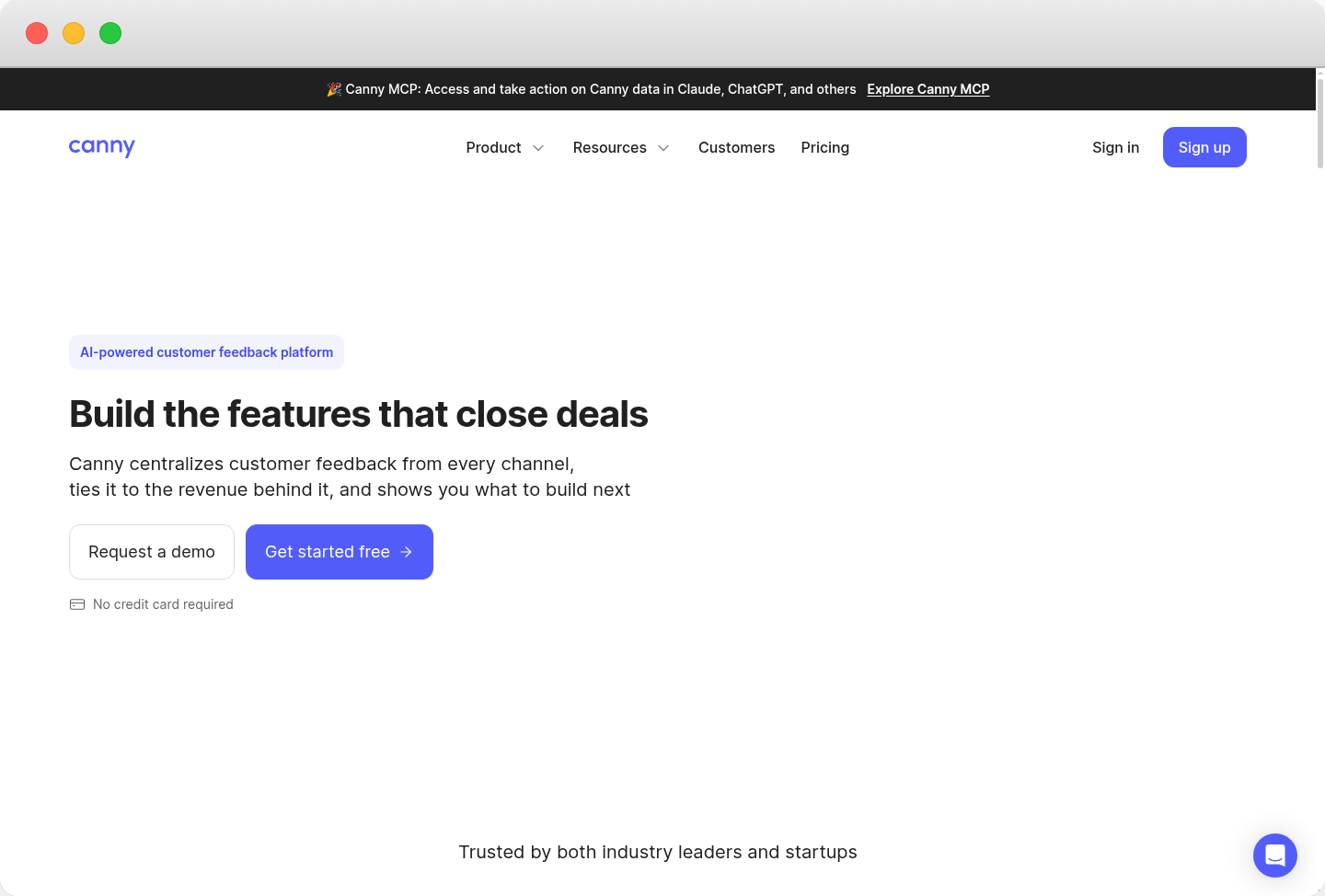
Canny is a feedback portal where users post requests, vote on each other’s, follow a public roadmap and hear when a request ships. Its AI, Autopilot, reads support conversations and call transcripts, logs the requests it finds and merges duplicates. This year it added Fathom, Grain, Fireflies and Google Meet calls as sources, and it now logs bugs and pricing complaints as well as feature requests 1.
The bill grows with participation. Canny charges by tracked user, meaning anyone who posts, votes or comments, so Pro costs $79 a month billed yearly at 100 tracked users and $529 at 1,000 4. A board that works brings in more voters, and enough of them push you into the next tier.
Connecting Canny to your CRM is how revenue gets onto requests, and in 2026 that kind of connection was a way in for an intruder. Canny had a security incident, and Anaconda wrote in October that it had stopped using Canny 5. Canva’s spokesman said the intruder reached some Canva business records through Canny’s link to Canva’s Salesforce 6.
Pricing
- Free plan: $0, 25 tracked users, five managers, Autopilot with no credit cap 7 4.
- Pro: from $79 a month billed yearly, $99 monthly, for 100 tracked users, rising to $529 a month billed yearly, or $661 monthly, at 1,000 4.
- Business: quoted, from 5,000 tracked users, with single sign-on and the HubSpot and Salesforce connections 7.
Integrations
- Usage data: user traits from Segment, on Pro and Business 7 8.
- Revenue data: HubSpot and Salesforce sync on Business only 7.
- Conversations: Intercom, Zendesk, Gong, Zoom, Fathom, Grain, Fireflies and Google Meet feed Autopilot, with no cap on sources on any plan 7 1.
Pros and cons
Canny pays off when users already talk to you and someone owns the board:
Pros
- A free plan with the board, roadmap, changelog and Autopilot
- Autopilot reads calls and tickets on every plan
- Published prices for every tier below Business
Cons
- The price climbs a tier as more users vote or comment
- CRM connections only on Business
- A 2026 security incident reached a CRM through Canny’s connection
What G2 reviewers say
The two reviews below are about Autopilot keeping requests organized, and about progress nobody posts:
G2 rating: 4.5 of 5 from 114 reviews on 28 November 2026.
A great tool for tracking and managing user feedback. Autopilot feature helps to stay on the top, great integrations to keep everyone updated.
Verified User in Computer Software, Mid-Market (51-1000 emp.)July 2026 It is very basic. Unless the PM makes comments, it is difficult to understand if there has been any progress.
Verified User in Computer Software, Mid-Market (51-1000 emp.)May 2026
Verdict: buy Canny if users already send you requests and you want them in one public place. We would connect Segment first, so each request carries the plan your product already sends. We would also ask Canny for its incident report before connecting Salesforce or HubSpot. If most trial users leave without writing, a board hears only from those who stayed.
Survicate
Survicate
Best for: a self-serve team that needs to ask users why they stopped, inside the product, at the moment it happens.
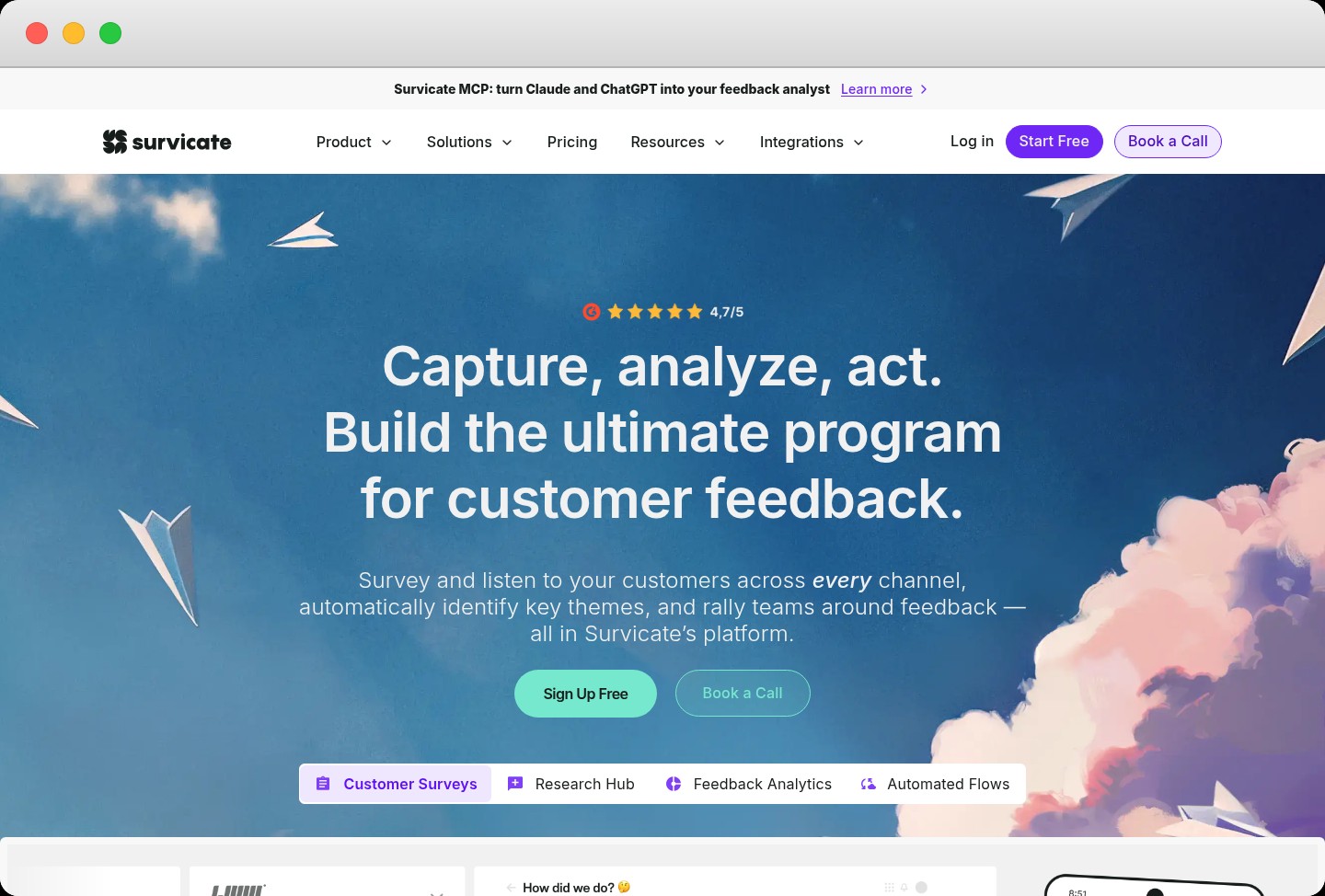
Survicate runs surveys inside a product, on a website, by email and in mobile apps, and groups the answers with AI in what it calls the Research Hub. For a self-serve product its value is timing. A question shown on the screen where a trial user gives up reaches people who will never open a support ticket.
That timing costs more than the entry price suggests. Growth starts at $56 a month billed yearly for 100 responses a month, but it targets surveys by user attributes only. Firing a survey on a product event, such as a user abandoning setup, and sending answers to Amplitude or Mixpanel both start on Pro, from $349 a month 9 10.
What Survicate leaves out is the ranking. It gathers the reason a user gave and leaves you to weigh it against everything else your team hears.
Pricing
- Growth: from $56 a month billed yearly, 100 survey responses a month, ten seats 9.
- Pro: from $349 a month, from 6,000 responses a year, with event targeting 9.
- Enterprise: from $569 a month, a custom yearly pool of responses 9.
- Free trial: ten days, up to 25 responses, no card 9.
Integrations
- Usage data: event and behavior targeting, Amplitude and Mixpanel on Pro and Enterprise. Segment syncs both ways on every plan 9.
- Revenue data: targeting by user attributes such as plan from Growth, and CRM fields to filter results by 9.
- Conversations: other feedback sources, app store reviews among them, come into the Research Hub beside survey answers 9.
Pros and cons
Survicate earns its place when you already know the screen where trial users stop:
Pros
- Surveys in the product, on the web, by email and in mobile apps
- Answers sent to Amplitude as events on Pro
- A low published entry price and a free trial
Cons
- Event targeting starts on the $349 Pro plan
- It collects answers, it does not rank requests
- Survey answers are short where a conversation would explain more
What G2 reviewers say
On G2 the case for asking in the moment comes from a developer, and the cost of it from a manager:
G2 rating: 4.6 of 5 from 226 reviews on 28 November 2026.
One of the features I rely on the most is in-product surveys: asking for feedback while someone is actually using a feature gives me much better answers than sending an email a few days later.
Yauhen D., Senior Fullstask Developer, Mid-Market (51-1000 emp.)July 2026 The main thing I dislike is that some genuinely useful features are only available on higher-tier plans.
Manish L., Manager, Small-Business (50 or fewer emp.)November 2026
Verdict: buy Survicate when trial users leave silently and your analytics already shows the step where they stop. Budget for Pro, because Growth cannot fire on that step. Start with one question on one screen, and add a second only once someone reads the first one’s answers. A team already holding more requests than it can read gains little from another survey.
Productboard
Best for: a product team that already has the requests and argues over which ones reach the roadmap.
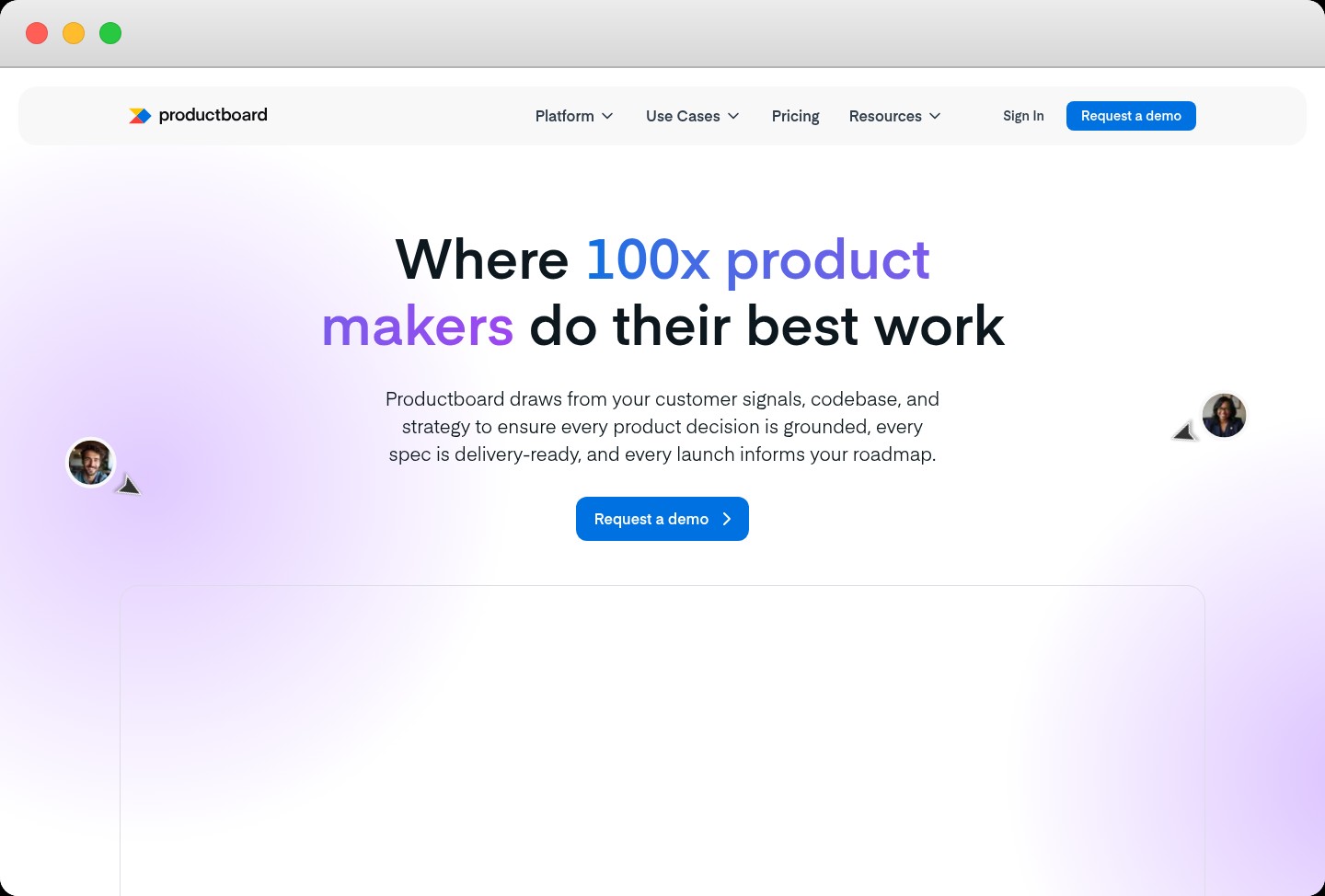
Productboard is product management software. Requests from support, sales and research land as insights, get linked to features and feed a roadmap. Its AI agent, Spark, comes with every plan and drafts specs and summaries from that material 11.
The Amplitude connection is the part that matters here. Cohorts built in Amplitude, such as users who started a trial and never activated, arrive as segments you can filter requests and scores by 12. That lets you ask whose request this is, by behavior, without leaving Productboard.
Productboard is also the heaviest tool here. Its pricing page shows no price, Business starts at five makers, and AI use draws on 500 credits per maker a month 11. Even a reviewer who likes it says it relies on everyone following consistent processes.
Pricing
- Business: quoted on request, five makers minimum, 25 contributors, 500 AI credits per maker a month 11.
- Enterprise: quoted, unlimited contributors, single sign-on, the Salesforce connection 11.
- AI top-ups: $5 for 50 credits on monthly plans, $60 a year for 600 on annual plans 11.
Integrations
- Usage data: Amplitude and Mixpanel cohorts as user segments, on Business 11 12.
- Revenue data: Salesforce on Enterprise only 11.
- Conversations: Gong calls, Slack, Microsoft Teams and Zendesk send feedback in as insights, on Business 11.
Pros and cons
Productboard pays off when a product manager files and reads insights every day:
Pros
- Amplitude and Mixpanel cohorts filter requests and scores
- Requests, features and roadmap in one place
- The Spark agent on every plan
Cons
- No published price and a five-maker minimum
- Salesforce only on Enterprise
- It works only if someone keeps the insights tidy
What G2 reviewers say
One G2 reviewer values the archive itself, and another lost the integrations built on it after a renewal:
G2 rating: 4.2 of 5 from 256 reviews on 28 November 2026.
Helpful for organizing large amounts of information and insights that would otherwise be lost.
Keegan F., Senior Product Designer, Mid-Market (51-1000 emp.)January 2026 Unfortunately for us ProductBoard changed their APIs shortly after our renewal breaking our operational integrations.
Darrin E., CEO, Small-Business (50 or fewer emp.)September 2026
Verdict: choose Productboard when you have five or more product people and Amplitude or Mixpanel already tracking where trial users stop. Ask for the API change history before you build integrations on it. With a two-person product team, the five-maker minimum means paying for seats nobody fills.
Enterpret
Enterpret
Best for: a self-serve product with more support tickets, sales calls, reviews and community posts than anyone can read.
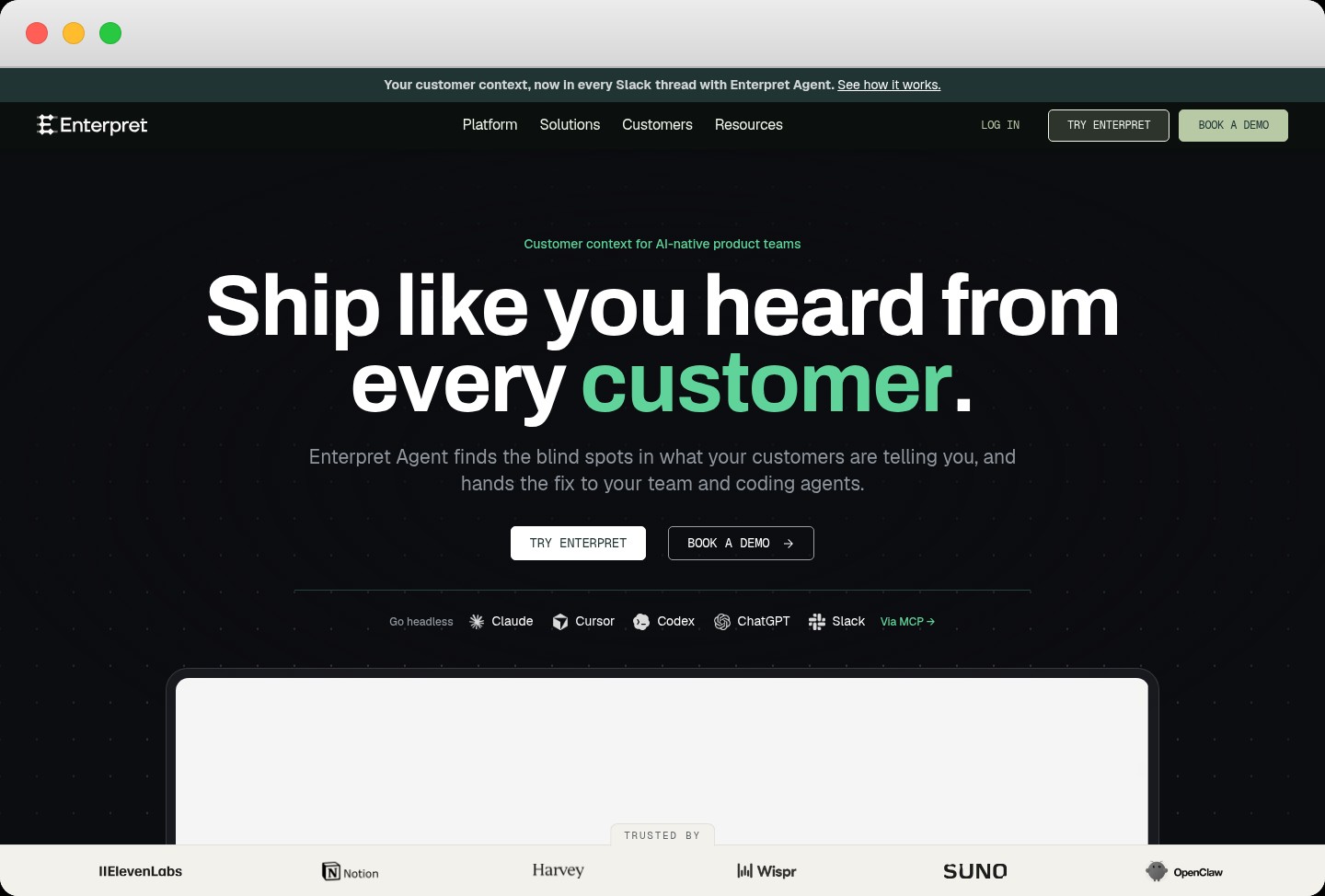
Enterpret reads feedback for you. It pulls in tickets, calls, app reviews, surveys and community posts and sorts them into themes that adapt as new ones appear 14. Its AI agent answers questions about them in Slack, or through Model Context Protocol (MCP), the connection AI assistants use to read other tools 13.
Enterpret also joins that feedback to behavior from Amplitude, Mixpanel or Segment, so a theme can be compared across cohorts 14. The companies on its homepage are large self-serve products, Notion and Canva among them 13.
Trust in the summary is the weak spot. Enterpret condenses hundreds of comments into one line. One reviewer double-checks those summaries against individual feedback, and another finds it hard to get from a summary back to the record. Before paying for that, time how long one person takes to read last week’s tickets and calls, and set it against the quote.
Pricing
- All plans: not published. The site offers a demo and a five-minute product tour 13.
Integrations
- Usage data: Amplitude, Mixpanel and Segment, joined to feedback by cohort 14.
- Revenue data: Salesforce and HubSpot among its integrations, for the company behind each comment 14.
- Conversations: Zendesk, Intercom, Gong, app store and G2 reviews, Typeform and Qualtrics surveys, and Discord communities 14.
Pros and cons
Enterpret pays off when the volume of conversations has outgrown the people reading them:
Pros
- Reads tickets, calls, reviews and community posts in one place
- Joins feedback to Amplitude, Mixpanel or Segment cohorts
- An AI agent that answers in Slack and through MCP
Cons
- No published price
- Summaries need checking against the original comments
- More than a small team needs
What G2 reviewers say
One reviewer praises the library, and another struggles to trace its summaries back:
G2 rating: 4.5 of 5 from 111 reviews on 28 November 2026.
Enterpret acts as a centralized feedback library for our team, helping us stay reactive and proactive with user input.
Marko A., Lead Product Designer, Mid-Market (51-1000 emp.)January 2026 For the summarized insights, it is hard to get back to the record. And sometimes the records don't seem to relate to the headline summary
Verified User in Computer Software, Mid-Market (51-1000 emp.)March 2025
Verdict: pay for Enterpret once your team has stopped reading tickets because there are too many. Connect Amplitude in the first week, because the cohort behind a theme tells you whether it comes from users who stalled or users who stayed. Where one person can still read last week’s tickets, Canny’s Autopilot may do enough of the job at a published price.
UserVoice
Best for: a company whose sales and success teams log requests and want them ranked by the revenue behind them.
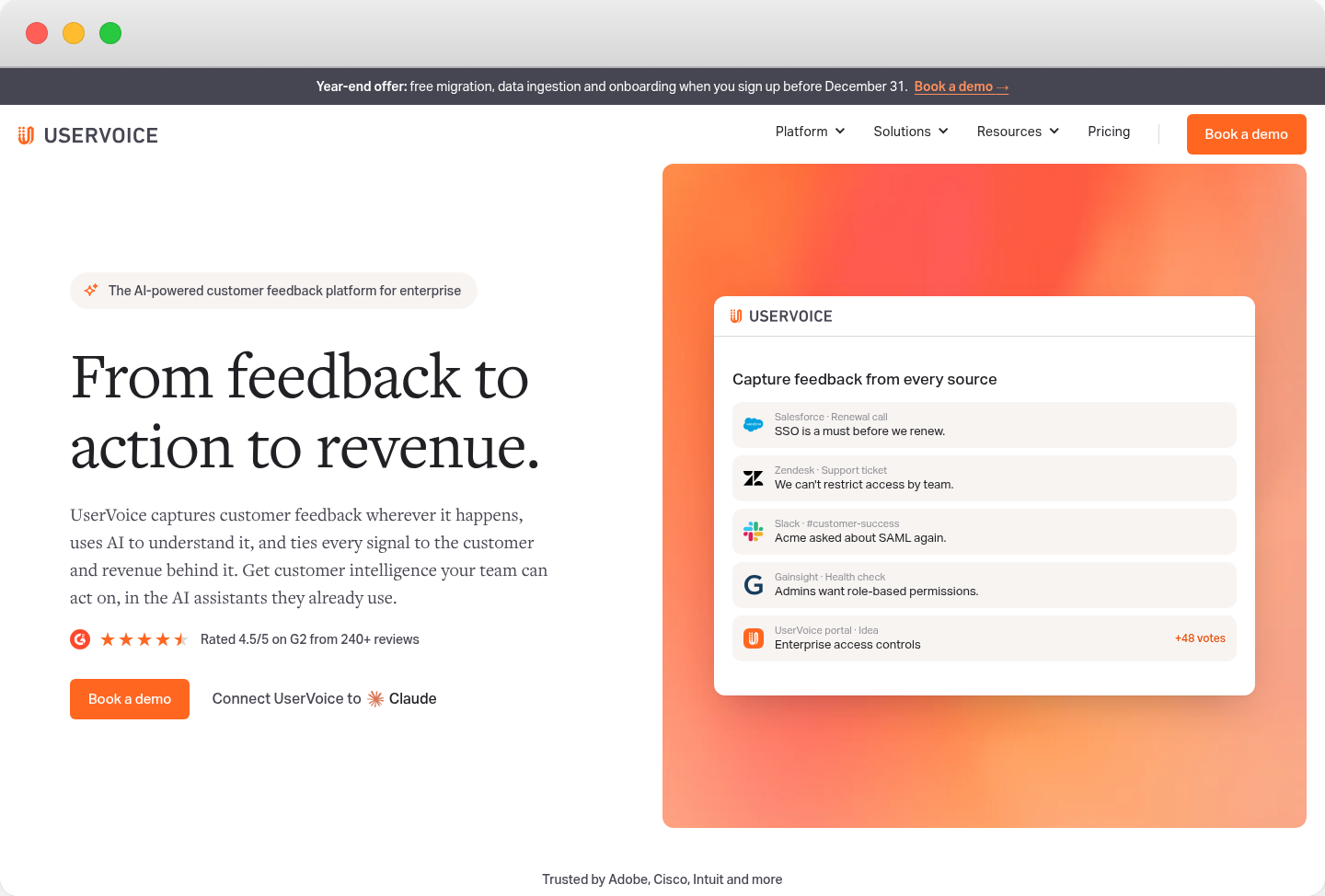
UserVoice runs a feedback program across a company. Users post and vote on a portal or in an in-app widget, and sales and success log requests from the CRM or a browser extension. Every idea carries the revenue and plan of the companies behind it 15 16.
Curious, a holding company that buys and keeps software businesses, has owned it since late 2025 2 17. In November its AI agent and MCP connection left beta and can now update statuses, link ideas to Jira and merge duplicates 3. Its entry price, $12,000 a year, fits a company with a sales team, and every plan begins with a demo 15.
You buy UserVoice for revenue weighting, and in self-serve that is the weaker signal. If your self-serve revenue never reaches Salesforce or HubSpot, those users’ requests carry no revenue in UserVoice. It links ideas to Fullstory sessions by email, the closest it comes to showing where a user was 16.
Pricing
- Launch: from $1,000 a month, $12,000 billed yearly, 20 admins, then $40 per admin a month 15.
- Business: from $1,833 a month, $22,000 billed yearly, 50 admins 15.
- Enterprise: quoted 15.
- Trial: 30 days, after a demo 15.
Integrations
- Usage data: Fullstory sessions linked to ideas and comments by email 16.
- Revenue data: Salesforce and HubSpot bring revenue, plan, segment and status onto every request, on every plan 15 16.
- Conversations: Zendesk, Slack, Microsoft Teams and a browser extension for email and tickets 16.
Pros and cons
UserVoice pays off when a few large deals decide what gets built:
Pros
- Revenue and plan behind every request, from the first plan
- Published prices and unlimited portal users
- An AI agent and MCP out of beta since November
Cons
- From $12,000 a year
- A demo before any trial
- Little product-usage data beyond Fullstory sessions
What G2 reviewers say
Both G2 reviews below come from companies of more than 1,000 people:
G2 rating: 4.5 of 5 from 243 reviews on 28 November 2026.
UserVoice is a super handy tool we use every day to understand what our users need and prioritize what to work on next.
Verified User in Computer Software, Enterprise (> 1000 emp.)January 2025 Lastly, the pricing might be a bit high for smaller organizations, but the value provided makes it worthwhile.
Verified User in Information Technology and Services, Enterprise (> 1000 emp.)December 2024
Verdict: UserVoice suits a company that sells upmarket alongside self-serve and lets revenue settle roadmap arguments. Check that your CRM records plan and revenue cleanly before the demo, because UserVoice weighs only what Salesforce or HubSpot holds. A team living on small self-serve plans would pay $12,000 a year to rank requests whose revenue is too small to tell apart.
Choose the Feedback Tool by Where Your Users Stall
Every tool above can collect a request. They differ in which stalled user they reach and what they can attach to the request, so start from your own situation:
- Canny: users already post requests and you want them, and the requests in your calls and tickets, in one public place.
- Survicate: trial users leave without a word, and you know the step in the product where it happens.
- Productboard: you hold more requests than you can build, and your cohorts live in Amplitude or Mixpanel.
- Enterpret: support, sales and reviews produce more feedback than anyone can read.
- UserVoice: sales and success log requests, and a few large deals decide the roadmap.
Each of the five holds the requests users already sent. The users who stopped without a word answer only a question asked on the screen where they stalled. Both kinds of feedback belong side by side in whichever tool you buy, each with the user’s plan and where they were in the product:
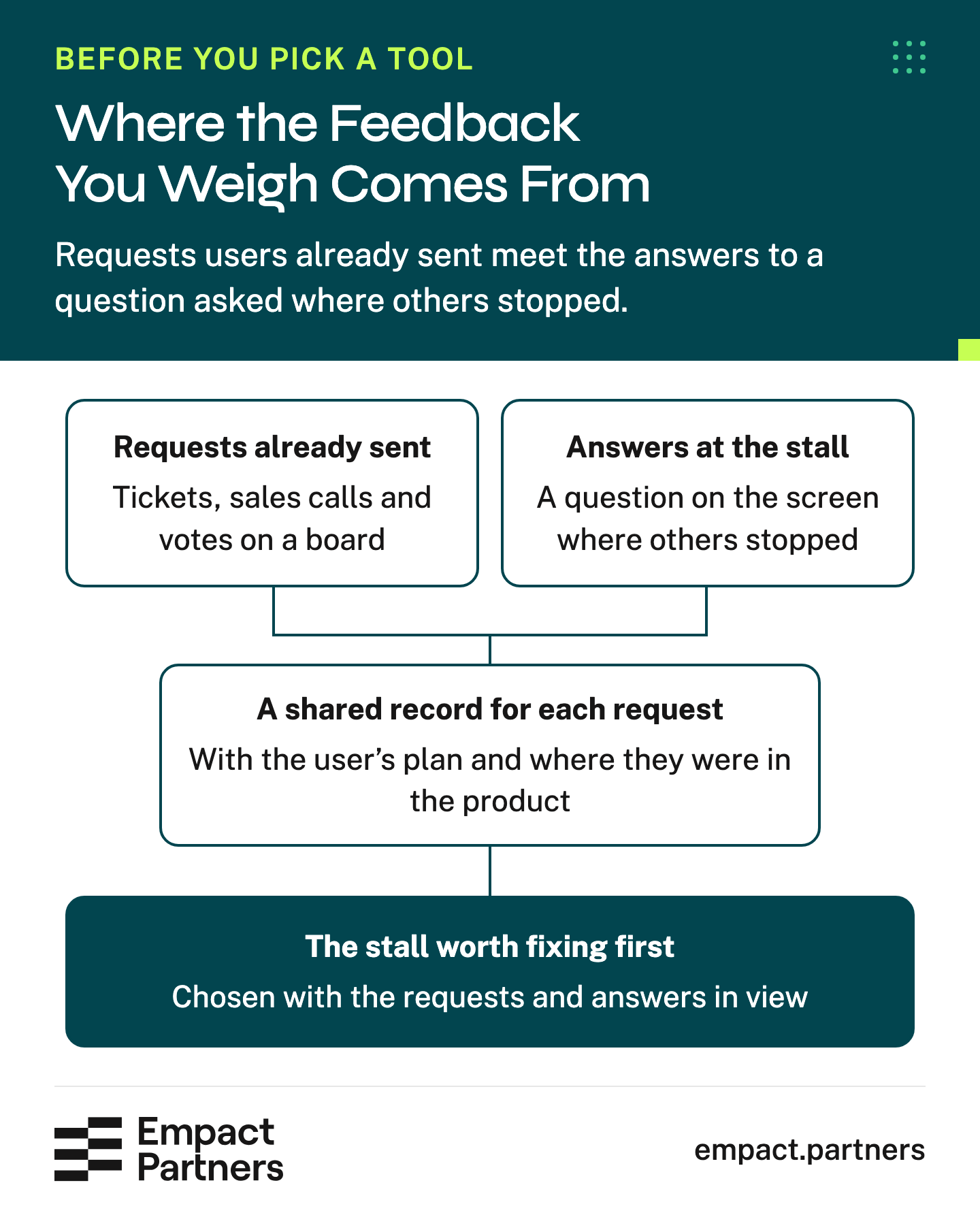
Neither kind of feedback is enough alone. Requests over-count the users who stayed, and answers from one screen say nothing about the rest of the product:
You can pick the stall worth fixing only once requests and in-product answers are in the same place.
Asking a silent user works best when you know which screen to ask on. Our Onboarding Flow Teardown suggests where to look. Upload two to ten of the screens a new user meets after signup, and it shows screen by screen where that user may get stuck and why. We run that agent in full for our partners, and the version below is free:
Tie Each Request to a Stall Before You Buy
A feedback tool works when each request carries the user’s plan and the step where they stalled. Getting that right is setup work, before and after you buy. Empact Partners would start from the stall. We take the result a new user has to reach from their own words on sales calls, in signup answers and in support tickets.
Then we line up what paying users did before they paid against free users at the same number of days since signup, joining product events to billing. From those two, we choose which stall to fix first. That is the question your feedback tool should help answer.
A named consultant audits your first run and writes a three-month roadmap from it, and the feedback tool you buy then has a place in that roadmap. For partners, the agent behind the Onboarding Flow Teardown reviews any changed screen a new user meets after signup each week, before new users see it. Whatever you buy, settle these first:
- The result a new user must reach, written down in their words
- The product event where trial users stop, read from your analytics
- The user traits that travel with every request, such as plan and trial day
- One owner who reads new feedback every week before sprint planning
- Who tells a user when their request ships
Product managers on Reddit who run feedback boards put that process ahead of the tool:
Tips from Reddit
What product managers say about feedback boards
These boards generate signals. It's our role to decipher those signals.
Once I write the story and it’s in the Jira backlog I put it ‘under review’ in Canny and when it makes a sprint I put it ‘in progress’. After release I mark it ‘complete’ and all requestor’s are notified.
Any tool you pick without a process in place will just leave you in a mess of unorganized data like you are now.
Buyers stall at the upgrade too, and the comparison of paying and free users is where that stall shows. Samantha Spiro’s playbook shows how to find the moment a user needs a paid feature to finish a task, and how to ask for the upgrade on that one screen:
Before you sign, test your shortlist on last month’s trial users who stopped. For those who wrote to you, check that the tool shows the request with their plan or cohort beside it. For those who did not, check that it can ask the next ones at the step where they stopped. A failed check shows you the part of the problem the tool leaves to you. If the stall itself still has no explanation, that is the part we work on.
Frequently Asked Questions
Which tool should we buy if our feedback is already in tickets and calls?
Start with what your team can read. If one person still gets through last week’s tickets and call notes in an afternoon, Canny’s Autopilot is likely enough. It reads Intercom, Zendesk and recorded calls on every plan, Free included, logs the requests it finds and merges duplicates.
When the volume outgrows that afternoon, Enterpret is built for it, at a price you get from a demo. Either way, connect your product analytics, or you will know what users said and not where they were.
When is a public feedback portal enough?
A portal is enough when your users are vocal and stay long enough to write. It stops being enough when trial users drop out early, because a board only hears from people who stayed. In that case pair it with an in-product question at the step where users stop.
Do upvotes on a feedback board tell us what to build?
Upvotes tell you what is popular among the users who vote. Votes count how many people asked, and say nothing about who asked or how much it hurt them. Weigh each request by the user’s plan, trial stage or revenue, and read the comments behind the top items before a sprint. Ten trial users who never activated can matter more than two hundred loyal voters.
How do we hear from trial users who leave without telling anyone?
Ask them inside the product, at the step where they stop. Find that step in your analytics first, then show one short question there. Survicate does this from its Pro plan, where surveys fire on product events. Keep the question open (“what were you trying to do?”) and read the answers weekly.
Should revenue decide which requests we build first?
Revenue is one input, and in self-serve it is the weaker one. Revenue weighting reads the revenue in your CRM, and if self-serve purchases never reach it, the weighting favors the companies your sales team already knows. Weigh requests by revenue when a few large companies drive growth. Weigh them by where users stall when self-serve signups do.
How much does Canny cost once more users take part?
Canny counts a tracked user as anyone with a post, vote or comment. Pro costs $79 a month billed yearly at 100 tracked users, $129 at 200, $279 at 500 and $529 at 1,000, or $99, $161, $349 and $661 billed monthly. Free covers 25 tracked users. Set the monthly spending limit Canny offers on paid plans, because a busy board raises the bill on its own.
Which of these feedback tools can we try for free?
Canny has a free plan for 25 tracked users, with the board, the roadmap and Autopilot included. Survicate gives a 10-day trial with up to 25 responses and no card. UserVoice offers a 30-day trial, but only after a demo. Productboard and Enterpret start with a demo and publish no price. For a first look without talking to sales, Canny and Survicate are the two to open.
Is it safe to connect a feedback tool to our CRM?
A CRM connection is only as safe as what it can read and how the vendor guards it. Canny’s 2026 security incident reached a company’s Salesforce records through that kind of connection. Ask any vendor what its CRM integration can read, how it stores the keys and what its last security review found. Grant only the fields the tool needs, and remove the connection when you stop using it.
Who owns UserVoice now?
Curious, a holding company that buys software businesses and keeps them, owns UserVoice. UserVoice publishes its prices, from $12,000 a year, and its AI agent and MCP connection left beta in November. It still asks for a demo before the 30-day trial. Its focus is revenue-weighted feedback for companies with sales and success teams.
Can a feedback tool show where in the product a user stalled?
Only if you connect your product analytics. Productboard brings Amplitude and Mixpanel cohorts in as segments on Business, and Enterpret joins Amplitude, Mixpanel and Segment behavior to feedback.
Survicate fires surveys on product events on Pro, Canny takes user traits from Segment on Pro, and UserVoice links ideas to Fullstory sessions. Each gives a different kind of context, from traits and cohorts to product events and session recordings. Without one of them, a tool shows what users asked and little about where they were.
Do we need a feedback tool, or a process first?
A process first, and a short one. Name one owner who reads new feedback weekly before sprint planning, decide which user traits travel with each request, and agree who tells users when something ships. A tool makes that routine faster. Without it, a new tool is one more place where requests go unread.
How do we keep a feedback board from filling with duplicates?
Let software do the first pass and a person do the second. Canny’s Autopilot merges duplicate requests it finds in tickets and calls, and UserVoice’s agent can merge duplicates since November. Name one owner who reviews the merges weekly, because a wrong merge hides a request someone was waiting on. A Productboard reviewer on G2 says merging themes and features could be easier, so test merging during the trial.
Sources (17)
- Canny, "Changelog" (2026)↩1↩2↩3entries of 30 July, 11 August, 24 September and 29 October 2026, read 28 November 2026.
- UserVoice, homepage, footer, "A Curious Company" (2026)↩1read 28 November 2026.
- UserVoice, "Product updates" (2026)↩1↩2entry of 2 November 2026, read 28 November 2026.
- Canny Help Center, "Canny’s billing plans" (2026)↩1↩2↩3written 5 June 2026, read 28 November 2026.
- Anaconda, "Canny.io Security Incident: What We Know" (2026)↩112 October 2026.
- Cyber Daily, "Exclusive: Aussie software giant Canva confirms third-party data incident" (2026)↩1October 2026.
- Canny, "Pricing" (2026)↩1↩2↩3↩4↩5current page read 28 November 2026.
- Canny, "Segment integration" (2026)↩1current page read 28 November 2026.
- Survicate, "Pricing" (2026)↩1↩2↩3↩4↩5↩6↩7↩8plan cards and compare table, current page read 28 November 2026.
- Survicate, "Amplitude integration" (2026)↩1current page read 28 November 2026.
- Productboard, "Pricing" (2026)↩1↩2↩3↩4↩5↩6↩7↩8current page read 28 November 2026.
- Productboard, "Amplitude integration" (2026)↩1↩2current page read 28 November 2026.
- Enterpret, "homepage" (2026)↩1↩2↩3current page read 28 November 2026.
- Enterpret, "Integrations" (2026)↩1↩2↩3↩4↩5current page read 28 November 2026.
- UserVoice, "Pricing" (2026)↩1↩2↩3↩4↩5↩6↩7current page read 28 November 2026.
- UserVoice, "Integrations" (2026)↩1↩2↩3↩4↩5current page read 28 November 2026.
- Curious, "homepage" (2026)↩1testimonial from UserVoice’s co-founder, read 28 November 2026.
Keep reading
Product-Led Growth What Content Your SaaS Go-To-Market Motion Needs
Self-serve, sales-led and hybrid companies each need different pages. Name how you sell, then find the pieces your marketing is missing.

Product-Led Growth How to Find Where New Users Stall in Your SaaS Onboarding
Many onboarding stalls show on the screen itself. Read your first-run flow screen by screen, then test the likely stalls with real users.

Product-Led Growth How a SaaS User’s First Session Decides Retention
Split recent signups by when each first got a result, and you’ll see whether your first session is where your retention is decided.