
6 Best Sales Engagement Platforms for B2B Outbound
Six sales engagement platforms for B2B outbound, matched to team size and CRM, with every price read on the vendor’s own page.
 Leon ClaassenWith
 Vlad Shvets
On this page
Empact Newsletter
One email a month on what is working in AI search and SaaS go-to-market.
A sales engagement platform runs your outbound sequences, the emails, calls and LinkedIn steps each rep sends in order, and logs every touch to the CRM. Clari and Salesloft completed their merger on 3 December 2025 and have sold as one company since September 2026 1 2, so Salesloft now sells Clari’s forecasting as an add-on beside its cadences.
Empact Partners gets SaaS sales teams meetings with signal-based outbound, and in that work we look at who the emails go to long before the platform that sends them. The six below are matched to the team size and stack each one fits.
On 24 November 2026 we read each platform’s pricing and help pages, its G2 profile and the sales threads where its users argue about it. Each is built for a different team, set apart by the size of the sales org, the CRM it already pays for, and whether it wants contact data in the same purchase.
Scroll horizontally to see all columns when the table is wider than this page.
| Platform | Best for | CRMs it syncs with | Starting price |
|---|---|---|---|
| Outreach | Larger sales development teams that need governed sequences | Salesforce, Dynamics 365, HubSpot | Priced on request, seats plus AI credits |
| Salesloft | Teams that forecast in Clari, or plan to | Salesforce, HubSpot, Dynamics | Priced on request |
| HubSpot Sales Hub | Teams already running on HubSpot | HubSpot | $90 a seat a month billed annually, plus $1,500 onboarding |
| Apollo | Small teams buying contact data and sequences together | Salesforce, HubSpot, Pipedrive | Free plan, then $49 per seat each month on annual billing |
| Amplemarket | Teams that want signals to choose who to write to | Salesforce, HubSpot | $600 a month for two users, yearly contract |
| lemlist | Small teams whose buyers answer on LinkedIn | HubSpot, Salesforce, Pipedrive | $87 a user a month billed yearly with LinkedIn, $55 for email only |
Outreach
Best for: larger sales development (SDR) teams on Salesforce or Dynamics that need governed sequences and an admin to own them.
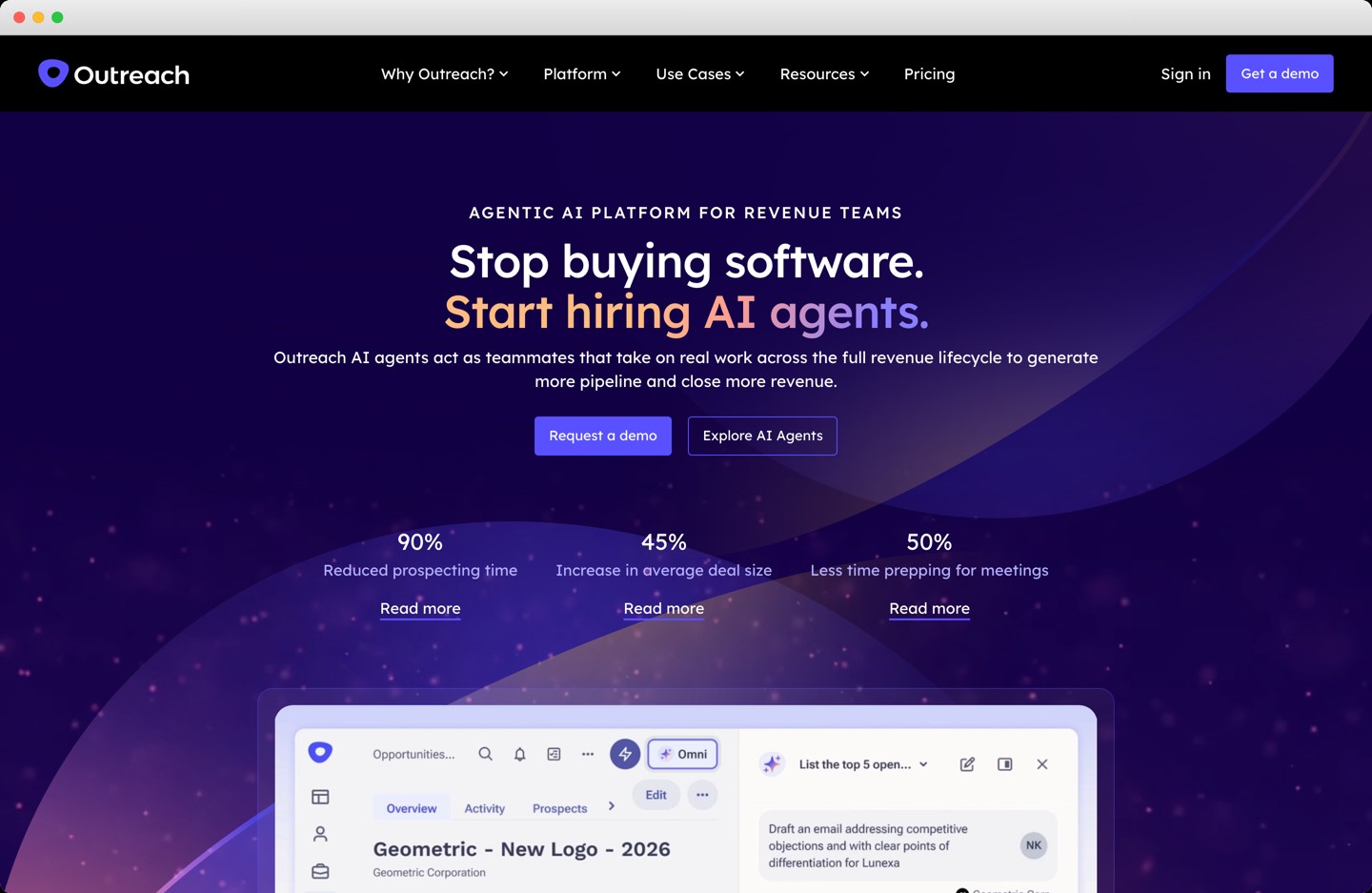
Outreach is a sales engagement platform for sales development and account executive teams that work a structured day. Reps run sequences that mix email, calls and LinkedIn tasks from a task queue, with call recording and deal views beside them. It now sells itself as an AI agent platform, priced by seat plus a pool of AI credits 7.
Sequences start on the Amplify Core package, which carries 25,000 AI credits and the Outreach Voice dialer. Forecasting and territory management wait for Amplify Pro, the top package 7. Outreach syncs with Salesforce, Microsoft Dynamics and HubSpot 8.
Outreach leaves the contact data to you. Every package includes enrichment, yet reviewers describe buying emails and phone numbers from a separate provider before anyone can be enrolled. Every package is quoted, and the credits add a second meter to forecast on top of the seats.
Pricing
- Amplify Essentials: priced on request, 10,000 AI credits, built around call recording and coaching, with no sequences.
- Amplify Core: priced on request, 25,000 AI credits, multichannel sequences and the Outreach Voice dialer.
- Amplify Plus: priced on request, 50,000 AI credits, Essentials and Core combined.
- Amplify Pro: priced on request, 100,000 AI credits, forecasting, territory management and managed services.
- Extra credits: credit packs added at any time.
Integrations
- CRM: Salesforce, Microsoft Dynamics 365 and HubSpot 8.
- Contact data: enrichment in every package, with emails and phone numbers usually bought from a data provider.
- Meetings: Zoom, Microsoft Teams, Google Meet and Webex for recorded calls on the packages that include them 7.
Pros and cons
Outreach suits a large team with an admin who keeps its sequences and rules in order:
Pros
- Multichannel sequences worked from one task queue
- Sync with Salesforce, Dynamics and HubSpot
- Forecasting available later from the same vendor
Cons
- No published price on any package
- No contact database of its own, by reviewers’ accounts
- A setup that needs an admin to keep it tidy
What users say about Outreach
The praise is for the structure of a rep’s day. The gap a first-time buyer should hear about is the data:
G2 rating: 4.3 out of 5 across 3,676 reviews, read 24 November 2026.
Now every inquiry lands in a defined cadence and reps work a task queue instead of deciding who to call next.
Sales manager, small business, G2 reviewSep 2026 it doesn’t include a built-in contact database, so you still have to rely on external tools like ZoomInfo or Apollo to find a prospect’s phone numbers and emails before you can even add them to a sequence.
AI SaaS engineer, mid-market company, G2 reviewOct 2026 r/techsales
View threadI’ve bought Outreach twice in the last two years. Easiest decision both times in H2H RFPs. One was for a sales org of 100. Another for an org of 30.
May 2026
Verdict: buy Outreach for a larger sales org on Salesforce or Dynamics, with someone in ops who will own the sequences and rules. We would price the data provider in the same spreadsheet as the seats, unless your team already holds clean contact data for the companies it targets. Skip it for a small team with no admin, where you would pay for structure nobody maintains.
Salesloft
Best for: revenue teams that forecast in Clari, or want Clari Forecast and their cadences from one vendor.
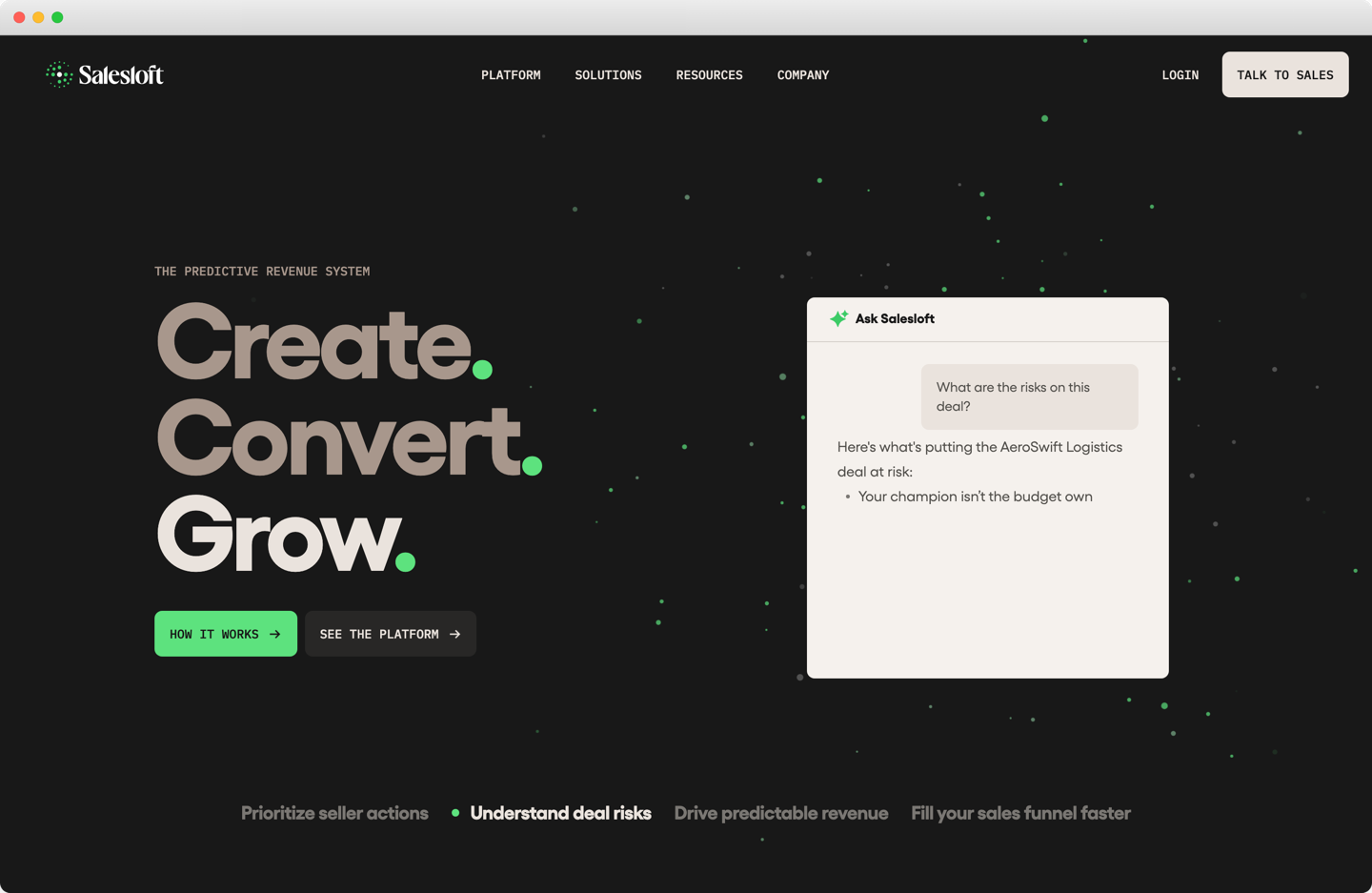
Salesloft sells cadences, call recording, deal views and the Rhythm task feed to reps. Since its merger with Clari it also sells forecasting to their managers as the same company. The merger completed on 3 December 2025, and Salesloft became the single brand on 2 September 2026, with Clari Forecast keeping its name 1 2.
Salesloft now sells Advanced and Elite packages, and forecasting, an account research agent, a coaching agent and the dialer are add-ons to either 3. Elite adds multiple teams, a sandbox and CRM signals on custom objects. Salesloft publishes no price 6.
The fit turns on your CRM. Salesloft syncs with Salesforce, HubSpot and Dynamics 4, but Deals works only on Salesforce 3 and automatic field mapping only on Salesforce and Dynamics 365 5. A HubSpot team buys less of the platform and maps its fields by hand.
Pricing
- Advanced: priced on request, for teams building pipeline, with cadences, conversations, Deals, coaching and analytics.
- Elite: priced on request, adding multiple teams, a sandbox and CRM signals on custom objects.
- Add-ons: forecasting, the account agent, the coaching agent and the dialer, each sold on top of either package.
Integrations
- CRM: Salesforce, HubSpot and Microsoft Dynamics, with Deals on Salesforce only and automatic field mapping on Salesforce and Dynamics 365 only.
- Forecasting: Clari Forecast, sold by the same company since the merger 2.
- Calling: the Salesloft dialer is an add-on, and the mobile app needs it to place calls 3.
Pros and cons
Salesloft is where Clari Forecast and the cadences meet, and the add-ons decide the bill:
Pros
- Cadences and Clari Forecast from one vendor
- Activity logged to Salesforce automatically, by reviewers’ accounts
- An assistant, Ask Salesloft, in every package
Cons
- No published price
- No Deals or automatic field mapping on HubSpot
- Forecasting and the dialer cost extra
What users say about Salesloft
Reviewers like how it logs to Salesforce and how readable the forecast is, and one rollout story shows what goes wrong when ops designs it alone:
G2 rating: 4.5 out of 5 across 9,916 reviews, read 24 November 2026.
The Salesforce integration was also a big plus: emails, calls, and activity logged automatically, which cut down on manual CRM updates and kept my reporting accurate.
Sales development representative, enterprise, G2 reviewOct 2026 I find the Clari feature very easy to use, and the data I need is almost always presented right when I need it.
Education management reviewer, enterprise, G2 reviewSep 2026 r/SalesOperations
View threadTurns out the platform had been built out by our ops team and sellers didn’t have any input on the workflow or design so it was slowing us down but the dashboards looked great.
Jul 2026
Verdict: Salesloft is the pick for a Salesforce team that wants Clari Forecast and its cadences from one vendor, or whose leaders already forecast in Clari. Build the first cadences with two reps and their manager in the room, never with ops alone. On HubSpot it only makes sense if you want Clari Forecast, because you would pay for parts of the platform you cannot use.
HubSpot Sales Hub
Best for: teams already on HubSpot whose reps send one to one sequences from the CRM.
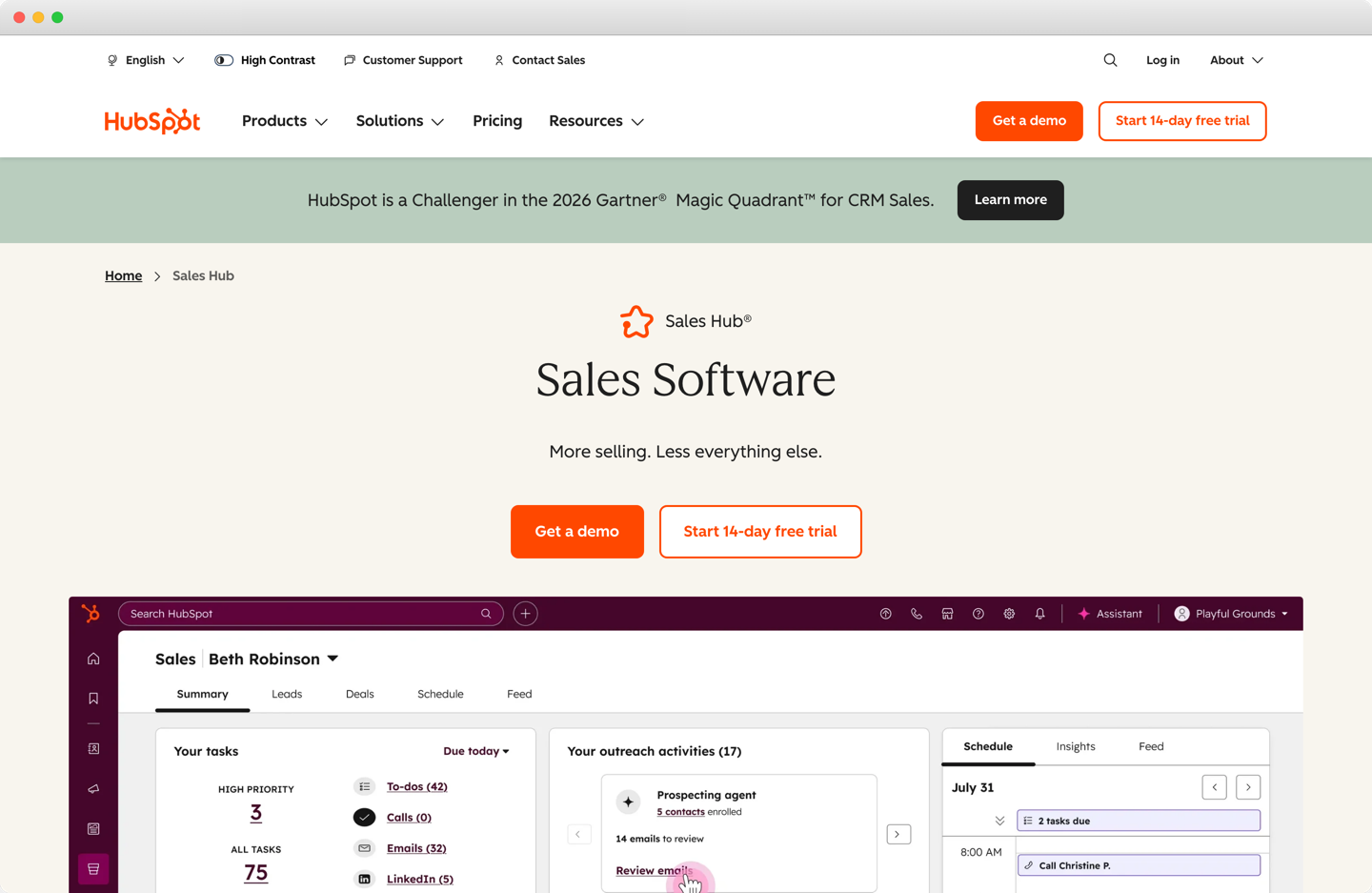
HubSpot Sales Hub adds sales tools to the HubSpot CRM, and from its Professional tier those include sequences. Each one sends timed emails and tasks from a rep’s own inbox and logs them on the contact. For a team already on HubSpot, it is the platform you may be a single upgrade away from 9.
Professional costs $90 a seat a month paid annually, or $100 paid monthly on an annual commitment, plus a required onboarding fee of $1,500 9. It allows 500 sequence emails per user per day. Enterprise, at $150 a seat with $3,500 onboarding, raises that to 1,000 and lets workflows start sequences on their own.
Its limits are built for selling to people one at a time, and they show at volume. A user can enroll 50 contacts in a sequence at a time 10, and every person who sends needs a paid seat. Reviewers who run calling blocks add a separate dialer.
Pricing
- Professional: $90 a seat a month billed annually, or $100 monthly on an annual commitment, plus $1,500 onboarding, with sequences.
- Enterprise: $150 a seat a month, plus $3,500 onboarding, with sequences started from workflows.
- Free and Starter: no sequences.
Integrations
- CRM: HubSpot itself, so every email, task and reply lands on the record with no sync to map.
- Inbox: sequences send from each rep’s connected email inbox, and the replies log on the contact record.
- LinkedIn: LinkedIn steps in a sequence need a Sales Navigator subscription 9.
Pros and cons
Sales Hub keeps sequences in the workspace your team already uses, within enrollment, sending and calling limits:
Pros
- Sequences inside the CRM the team already works in
- Fast adoption for reps who know HubSpot
- Workflows that start sequences on Enterprise
Cons
- Sequences only from Professional, with a $1,500 onboarding fee
- Enrollment in batches of 50 and a daily send cap per user
- Basic calling for high-volume prospecting
What users say about HubSpot Sales Hub
A team takes to it fast, by reviewers’ accounts, and the limits appear as volume grows:
G2 rating: 4.4 out of 5 across 14,411 reviews, read 24 November 2026.
Our team adopted it quickly, and the pipeline data stays accurate.
Lead, sales development, mid-market company, G2 reviewSep 2026 the built-in calling tools feel pretty basic if you’re doing high-volume outbound prospecting.
CRM and sales operations specialist, small business, G2 reviewNov 2026 r/hubspot
View threadYou're not missing anything, the 50 contact limit per enrollment is a real constraint in HubSpot sequences.
Mar 2026
Verdict: start here if HubSpot is your CRM and each rep writes to a few dozen new people a day. Before you buy another tool, take last month’s busiest rep and check their volume against the 500 a day cap. Skip it for a calling-heavy SDR floor, where a dedicated platform earns its second bill.
Apollo
Best for: small teams with no contact data yet that want data and sequences in one purchase.
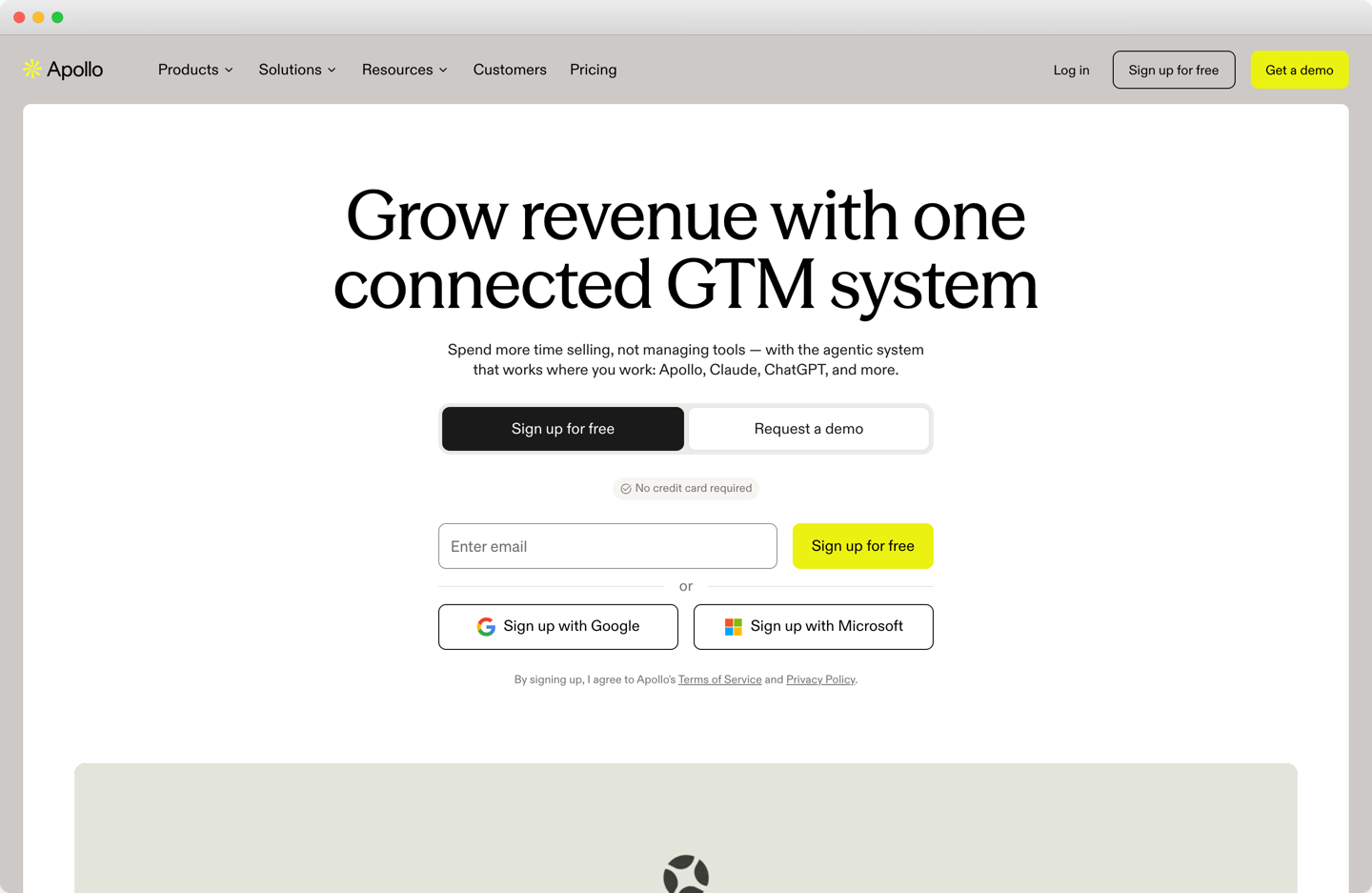
Apollo combines a B2B contact database with sequences, a dialer, enrichment and deal tracking, sold per seat with credits that pay for contact details. It is the natural first buy for a team with no data vendor yet, because the emails and phone numbers arrive in the same subscription 11.
On annual billing, Basic costs $49 per seat each month and Professional $79, with 30,000 and 48,000 credits per seat per year. An email costs 1 credit and a phone number 8 11. Every seat on an account sits on the same plan, and annual billing saves 24% against paying monthly.
The cheaper plan is built for light sending. Free and Basic stop at 250 emails a day and one mailbox per user, and only Professional sends without a daily limit 11. Unused credits expire at the end of each billing cycle, and phone numbers use them eight at a time.
Pricing
- Free: $0, 900 credits per seat per year and two sequences.
- Basic: $49 per seat each month on annual billing, 30,000 credits per seat per year, 250 emails a day.
- Professional: $79 per seat each month on annual billing, 48,000 credits per seat per year, unlimited daily sends.
- Organization: priced on request.
- Advanced Dialer: $119 a team a month billed annually, for parallel and international calling.
Integrations
- CRM: Salesforce, HubSpot and Pipedrive 11.
- Other platforms: Outreach and Salesloft, so Apollo can stay the data source if sequencing moves later.
- Contact data: built in and paid for in credits.
Pros and cons
Apollo is the cheapest way to get data and sequences on day one, with sending and mailbox caps on the cheaper plans:
Pros
- Contact data, sequences and a dialer in one subscription
- Published prices and a free plan
- An integration with Outreach and Salesloft if you outgrow its sequencing
Cons
- Basic caps sending at 250 emails a day and one mailbox
- Unused credits expire at the end of each billing cycle
- Phone numbers cost eight times what an email does
What users say about Apollo
One tool for everything wins the praise here, while the credits draw the warning:
G2 rating: 4.7 out of 5 across 9,863 reviews, read 24 November 2026.
What really stood out was how much you can do without needing a separate tool.
Sales and marketing operations manager, small business, G2 reviewNov 2026 the credit limit on lower-tier plans can run out quickly if you’re doing large-scale prospecting.
Content creator, small business, G2 reviewSep 2026
Verdict: buy Apollo when the team has no data vendor and a handful of reps who find and write to their own prospects. If any rep sends more than 250 emails a day or needs a second mailbox, move the account to Professional, since every seat sits on the same plan. We would run a month of credit math on your real target companies before signing the annual plan.
Amplemarket
Best for: teams that want buying signals to decide who to write to, with AI drafts a person reviews.
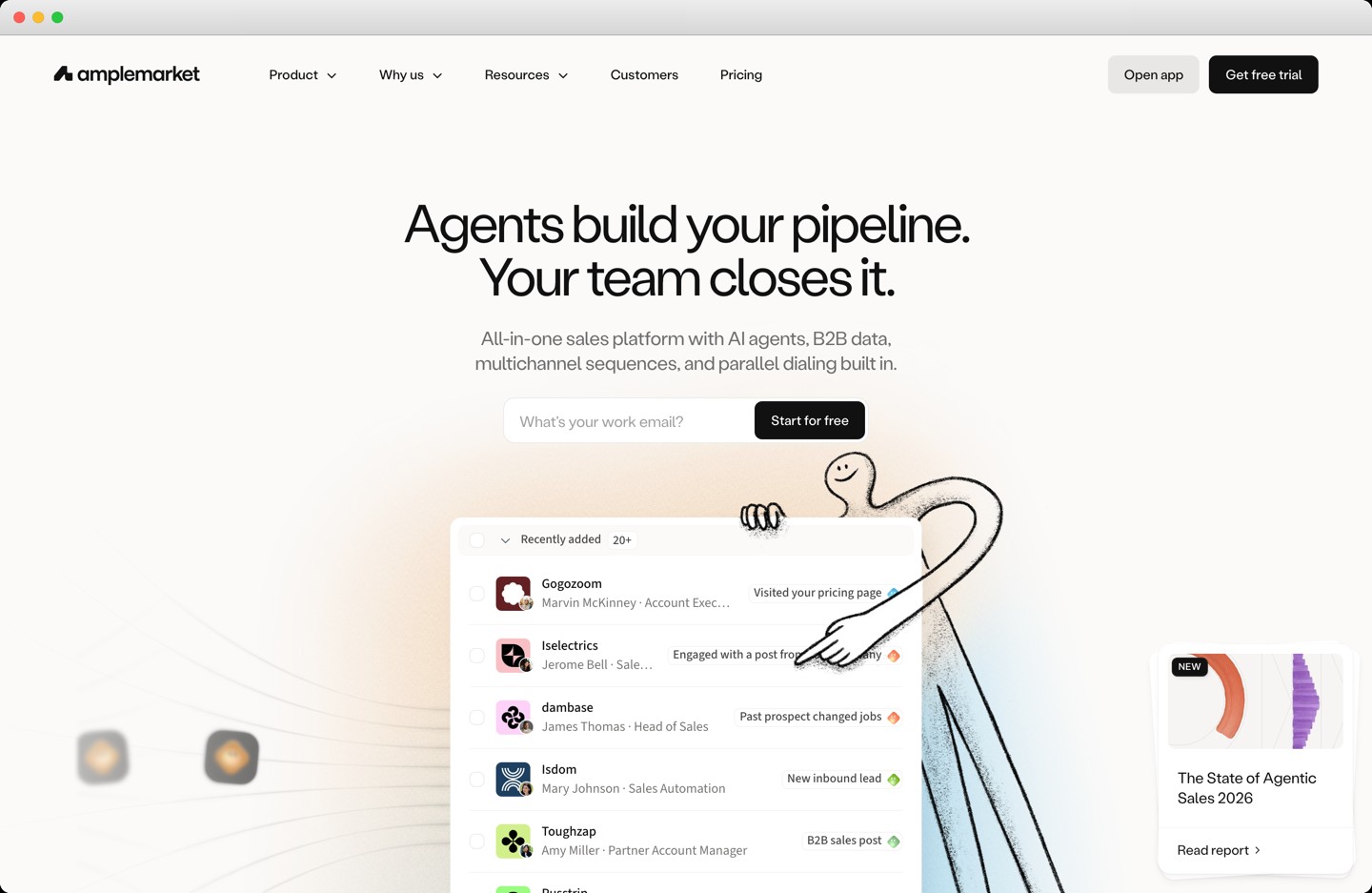
Amplemarket sells AI agents, B2B contact data, multichannel sequences and a parallel dialer as one platform 13. Its assistant, Duo, reads your CRM, buying signals and public research about a company to find a reason to write, then drafts the outreach for a rep to send.
The Startup plan is $600 a month, signed for a year, for two users with 13,500 email credits each per year. Growth, with four users, and Elite, with ten, are quoted 12. It syncs both ways with Salesforce and HubSpot 14, and every plan starts with a free trial.
The $600 floor buys two seats, which is a lot for a founder selling alone. The signals are also only as good as the definition of who you sell to, and a team with a loose definition sends well-timed emails to companies that were never going to buy.
Pricing
- Startup: $600 a month on a yearly contract, two users, 13,500 email credits per user per year.
- Growth: priced on request, four users, 35,000 email credits per user per year.
- Elite: priced on request, ten users, 40,000 email credits per user per year, with Duo Inbox drafting replies.
- Trial: a free trial on every plan.
Integrations
- CRM: two-way sync with Salesforce and HubSpot 14.
- Contact data: built in, with email credits per user per year.
- Signals: Duo flags buying intent as it happens and turns it into a reason to write.
Pros and cons
Amplemarket does the most for a team that already knows who it wants to reach:
Pros
- Signals, data and sequences in one platform
- Drafts written from CRM context and public research
- Two-way sync with Salesforce and HubSpot
Cons
- A floor of $600 a month, for two users
- Growth and Elite quoted, not published
- Drafts that still need a person’s edit
What users say about Amplemarket
Reviewers single out the signals, and two flag what still needs checking, the AI drafts and duplicate contacts in Salesforce:
G2 rating: 4.6 out of 5 across 721 reviews, read 24 November 2026.
The signals feature is where it really shines though: tracking job changes, company news, and who's engaging with content relevant to your business makes it easy to reach out at exactly the right moment with the right context.
Business development and partnerships, mid-market company, G2 reviewSep 2026 With Duo specifically, I still need to review and tweak some of the AI-generated messaging to make sure it sounds like me and fits the prospect.
Small-business user, G2 reviewOct 2026 It would be nice if, when connected to Salesforce, it wouldn't allow me to push contacts that are already in the CRM.
GTM, enterprise, G2 reviewNov 2026
Verdict: Amplemarket earns its price once your ideal customer is written down and agreed, and you want the platform to watch for the moment each company is worth an email. Wait while you are still working out who you sell to, because the signals will only find more of whatever the filter describes.
lemlist
Best for: small teams and founders whose buyers answer on LinkedIn as well as email.
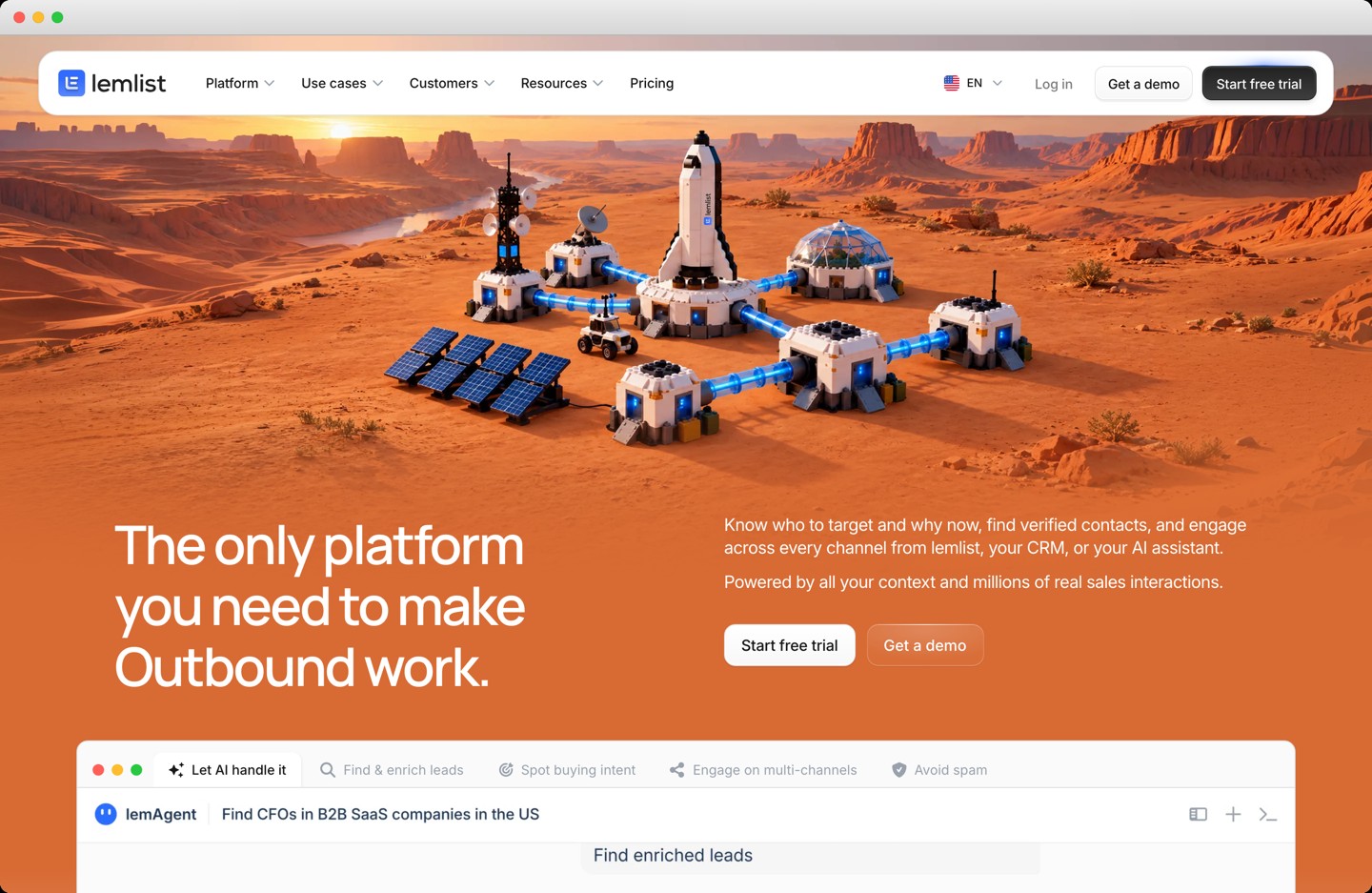
lemlist runs personalized sequences across email, LinkedIn, calls, text messages (SMS) and WhatsApp, with a lead database, enrichment and signal agents sold as credits on top 15. Its LinkedIn steps, from profile visits and invitations to messages and voice notes, sit in the same sequence as the emails, which is where small teams get the most from it.
The Email plan costs $55 a month billed yearly for unlimited users and 50,000 emails. Multichannel, which adds LinkedIn, SMS and the dialer, is $87 a user a month billed yearly, and Enterprise is quoted 15. Data costs $16 a month for 2,000 credits, enough for 400 emails or 80 phone numbers, and unused credits roll over while you subscribe.
Costs climb with seats once LinkedIn is involved, since each Multichannel user is billed separately. Working from inside your CRM, rather than syncing to it, is an Enterprise feature 15, so the cheaper plans suit reps who are happy to work in lemlist itself and let it sync to the CRM.
Pricing
- Email: $55 a month billed yearly, or $69 monthly, for unlimited users and 50,000 emails a month.
- Multichannel: $87 a user a month billed yearly, or $109 monthly, with LinkedIn, SMS and calls.
- Enterprise: priced on request, and the plan that works inside your CRM.
- Data and signals: $16 a month for 2,000 credits and $21 a month for 100 buying signals, both billed yearly.
Integrations
- CRM: HubSpot, Salesforce and Pipedrive on every plan 15.
- Channels: email, LinkedIn, SMS and calls, with WhatsApp as an add-on.
- Calling: a built-in dialer, plus Aircall and Ringover on Multichannel.
Pros and cons
lemlist puts LinkedIn in the sequence for $87 a user, and the bill grows with every LinkedIn seat:
Pros
- LinkedIn and email steps in a single sequence
- An Email plan with unlimited users
- Credits that roll over while you subscribe
Cons
- Per-user pricing once LinkedIn joins the sequence
- Work from inside the CRM only on Enterprise
- Data and signals cost extra
What users say about lemlist
LinkedIn in the same sequence is what reviewers value most, and credits and seats are what they count:
G2 rating: 4.6 out of 5 across 2,790 reviews, read 24 November 2026.
I can combine email and LinkedIn touchpoints (profile visit, connection request, message) in the same sequence, without juggling several tools.
Co-founder, small business, G2 reviewSep 2026 Credits for the lead database and enrichment go quickly, and the plans with full multichannel features can get expensive for a small business or freelancer.
Business developer, mid-market company, G2 reviewOct 2026
Verdict: lemlist is the right first platform for a founder or a team of a few senders whose buyers reply on LinkedIn, and the Email plan is enough if they do not. Look elsewhere when your managers want reps working inside Salesforce rather than syncing to it, which on lemlist means Enterprise.
Which Platform Fits Your Team and Stack
Start with the CRM, because it rules platforms out before price does. On HubSpot, check first whether Sales Hub Professional covers your sending volume and calling, and whether you want contact data in the same purchase. Look further only where it falls short. On Dynamics only Outreach and Salesloft remain. After the CRM, the deciding question is different for each team:
- Outreach: a larger sales org, with an ops owner for the sequences.
- Salesloft: leaders who forecast in Clari, or want to.
- Sales Hub Professional: a HubSpot team writing to people one at a time.
- Apollo Professional: a few reps and no data vendor yet.
- Amplemarket: a written ideal customer and a budget for signals.
- lemlist: a founder or small team selling on LinkedIn.
Every route still leaves your team to define who it writes to and where those contacts come from. The platforms can find and enrich contacts that match a definition, but the definition is yours.
Settle Your Targets and Data Before the First Demo
We ran our own outbound for a year, 75 campaigns and 16,284 emails from May 2025 to May 2026, all through the same sending platform. The replies still swung with who received them. Inside one wave, the same template sent by six people drew anywhere from 0 to 41 replies a campaign. What changed between those campaigns was who sent them and who got them.
A second comparison, across years, points the same way. Hand-picked companies in 2025 drew 96 human replies on 2,349 sends, 4.1%, against 1.64% for the scaled, personalized template we sent in 2026. The years and audiences differ, so neither comparison is a controlled test. In both, the platform stayed fixed while who wrote and who was written to changed, and so did the replies.
A platform sends to the companies you give it, so the replies depend on that choice before they depend on the software.
So settle the decisions a platform cannot make for you before you sit through a demo. Each one rules platforms out:
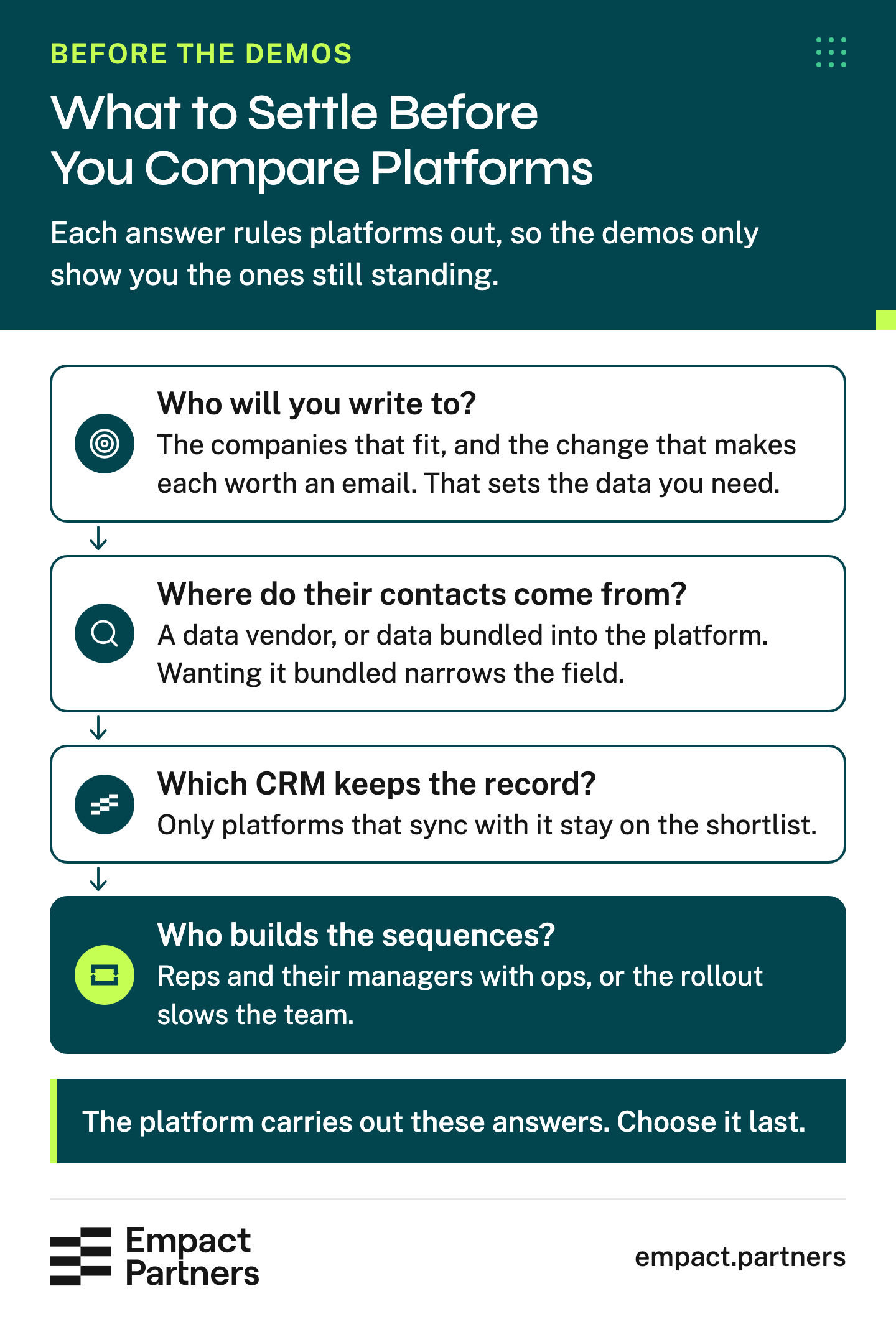
Practitioners who have bought these platforms put the targeting and data decisions in their own words:
Tips from Reddit
What sales teams learned after buying a platform
It won’t magically fix bad targeting, but it can make good targeting more efficient.
Also the prospecting and revenue execution layers are 2 different problems. Solving both with a single platform might sound clean but you might end up needing depth for each. so worth separating that question before you buy anything.
That is why the platform comes last in the order we would follow:
A sales engagement platform is the last purchase in an outbound program, because it only carries out decisions made before it arrives. A team that buys it first ends up judging the software on replies its targeting produced.
 Leon Claassen on LinkedInOpens in a new tab
The routing above turns on a few facts about your team. Every vendor will ask for them in the first call, so bring them written down:
Some teams want the outbound done with them, not only a platform picked. We would start with who your team writes to and the change that makes each company worth an email, because that is what changed when our own replies did. Then we run the outbound:
- Emails timed to a change at each company you target, whether a sales leader joined, a product shipped or a new market opened
- Each email naming the person who sends it
- A person reads and answers every reply, and anyone who asks to meet goes straight to your sales team
- New timings and subject lines tried on Empact’s own emails first
- A named senior GTM consultant responsible for the work and present on your calls
Heather Holland’s playbook, How to Run Signal-Based Outbound, sets out the writing half of that work, on reaching a company at the moment something real changes inside it:
With targets and data settled, the next thing to get right is what goes into the platform. Our free Cold Email Sequence Writer drafts four emails based on your own website and written for the buyer you tell it about, each tied to a signal to confirm before sending. The full agent runs for our partners, and this free version previews what it drafts:
Whichever platform you buy, watch replies per hundred companies contacted in the first month, split by sender and by the companies each sender wrote to. If it varies more with the companies than with the sequence they got, look at targeting before you change anything in the platform’s settings.
Frequently Asked Questions
What does a sales engagement platform do that a CRM does not?
A CRM records contacts, companies and deals. A sales engagement platform does the sending. It runs each rep’s sequence of emails, calls and LinkedIn steps on a schedule, gives them a daily task queue, tracks opens and replies, and writes every touch back to the CRM. HubSpot Sales Hub is the case where both sit in one product, from its Professional tier.
Do we need a separate platform if we already use HubSpot?
Not at first, if Sales Hub Professional covers your volume. It allows 500 sequence emails per user per day and enrolls 50 contacts at a time. Every sender needs a seat at $90 a month billed annually, plus $1,500 onboarding.
Teams outgrow it with a calling-heavy SDR floor or a need for contact data in the same purchase. Apollo, Amplemarket and lemlist all sync with HubSpot, so the CRM stays where it is.
Should a team under ten reps buy Outreach or Salesloft?
Usually neither. Both are priced on request and built for structured teams with someone who owns the setup, so a small team pays for depth it will not use.
Under ten reps, Sales Hub Professional fits if you are on HubSpot, Apollo if you have no contact data, and lemlist if your buyers answer on LinkedIn. Look at Outreach or Salesloft again once an ops person can own the sequences.
Does the Clari and Salesloft merger change a first purchase?
For teams that care about forecasting, yes. Since September 2026 one company sells the cadences and Clari Forecast, and forecasting is an add-on to either Salesloft package. For a team that only needs sequences it changes little, and a team leaving Salesloft faces a different choice from a first-time buyer.
Should we buy contact data bundled with the platform or separately?
Bundled data is cheaper to start and arrives on one bill. Apollo and Amplemarket include it, and lemlist sells it as an add-on. Price phone numbers before you choose, because Apollo charges 8 credits for one against 1 for an email.
Separate data lets you pick the provider with the best coverage of your market, and change it later without moving your sequences. That is the route with Outreach, Salesloft and HubSpot.
How much does a sales engagement platform cost?
On 24 November 2026, with annual billing, Apollo Basic started at $49 per seat each month and lemlist’s Email plan at $55 a month for unlimited users. HubSpot Sales Hub Professional cost $90 a seat plus $1,500 onboarding, and Amplemarket $600 a month for two users.
Outreach and Salesloft quote every package. Budget separately for data, a dialer and onboarding, since Apollo’s Advanced Dialer alone is $119 a team a month.
How long before reps use a new platform properly?
That depends on who builds the first sequences more than on which platform you bought. Reviewers of Outreach, Salesloft and Apollo all describe a learning curve, and rollouts stall when ops builds the workflows without the sellers.
Give the first month to two reps and their manager building real sequences, then measure. Reps learning the software is one measure. Replies and meetings are another, and how long outbound takes to work covers that one.
Are the AI agents in these platforms worth paying for?
AI agents help when you already know who you are writing to and why, because they work from that. Amplemarket’s Duo finds a reason to write from signals and drafts the email, Outreach meters its agents through AI credits, and Salesloft sells account and coaching agents as add-ons.
Reviewers still edit the drafts and double-check AI risk flags. Write your outbound playbook first, then judge any agent by whether it follows it.
Can one platform run email, LinkedIn and calls together?
Yes, with differences in how far each goes. lemlist Multichannel and Amplemarket put LinkedIn steps and calls in the same sequence as the emails. Outreach sequences mix email, call tasks and LinkedIn tasks, and Salesloft sells its dialer as an add-on. HubSpot sequences can include LinkedIn steps, but only with a Sales Navigator subscription.
Which CRM should we have in place before we buy?
Choose the CRM first, because it narrows the platforms. All six here work with HubSpot, and all but HubSpot itself work with Salesforce. Dynamics narrows the field to Outreach and Salesloft, and on Pipedrive the choice is Apollo or lemlist. If the CRM is still undecided, settle HubSpot or Salesforce before any platform demo.
Do we need a sales engagement platform at all as a small team?
Not always. A founder writing to a few dozen new people a week can run follow-ups from the CRM, and the money is better spent on knowing who to write to. A platform is worth evaluating once several people send every day and follow-ups start slipping between inboxes.
Sources (15)
- Salesloft, "Clari and Salesloft Complete Merger and Appoint Steve Cox as CEO" (2025)↩1↩2
- Salesloft, "Moves Forward as One Company, Unveiling New Brand Identity" (2026)↩1↩2↩3
- Salesloft, "Packages and Availability" (2026)↩1↩2↩3
- Salesloft, "Your Personal Settings" (2026)↩1
- Salesloft, "Manage CRM Team Settings" (2026)↩1
- Salesloft, "Talk to Sales" (2026)↩1
- Outreach, "Pricing and Packages" (2026)↩1↩2↩3
- Outreach, "CRM Sync" (2026)↩1↩2
- HubSpot, "Sales Software Pricing" (2026)↩1↩2↩3
- HubSpot, "Enroll contacts in a sequence" (2026)↩1
- Apollo, "Pricing" (2026)↩1↩2↩3↩4
- Amplemarket, "Pricing and Plans" (2026)↩1
- Amplemarket, "All-in-one sales platform for teams and AI agents" (2026)↩1
- Amplemarket, "Integrations" (2026)↩1↩2
- lemlist, "Pricing" (2026)↩1↩2↩3↩4
Keep reading
Outbound 5 Best Corporate Gifting Platforms for ABM and Sales Teams
Five gifting platforms matched to how often your team sends and where your buyers sit, with live prices and what each one records.

Outbound 5 Salesloft Alternatives for B2B Outbound Teams
Five Salesloft alternatives matched to why teams leave after the Clari merger, and what each move rebuilds in your cadences and CRM.

Outbound 5 Best Video Prospecting Tools for Outbound Sales Teams
Five video prospecting tools sorted by who records and what triggers the send, with live prices and where each fits in a sequence.