6 Best B2B Event Marketing Platforms for Hosts and Exhibitors
Six event platforms for B2B teams that host events or exhibit at trade shows, judged by what reaches the CRM and how soon.
 Sinead HovelmeierWith
 Vlad Shvets
On this page
Empact Newsletter
One email a month on what is working in AI search and SaaS go-to-market.
Event marketing software comes in two kinds, and the one you need depends on who owns the event. When you host the event, you own registration, so you need a platform that sells the event, checks people in and knows who came. When you exhibit at someone else’s show, the organizer owns registration, so you need an app that captures the people you meet and what they told you.
Cvent bought Splash in September 2024 1, and in November 2026 RainFocus let Claude read and update its event data 2. Those moves change who sells what, and they leave a sales team’s question where it was. Does the person who registered, or stopped at your booth, reach the CRM in a form someone can follow up that week?
Empact Partners sets up RevOps for SaaS companies, so the people a team meets at events and online land in one CRM, clean enough for sales to act on. We read each platform’s pricing, CRM documentation and G2 reviews, and judged all six on that.
Scroll horizontally to see all columns when the table is wider than this page.
| Platform | Your role | Best for | What reaches the CRM | Starting price |
|---|---|---|---|---|
| Cvent | Host | A portfolio of hosted events across a large company | Salesforce campaign members with mapped statuses, HubSpot marketing events | Priced on request |
| RainFocus | Host | One flagship conference with a large session catalog | Event engagement inside Salesforce through its own app | Priced on request |
| Bizzabo | Host | A year of owned conferences and webinars on one subscription | HubSpot contacts, properties and timeline, Salesforce through a paid add-on | $17,999 a year, three users |
| Splash | Host | Field marketing’s dinners, roadshows and meetups | Salesforce campaigns with guest status every five minutes, HubSpot contacts in real time | Priced on request |
| Mobly | Exhibitor | Teams that exhibit at many shows a year | Salesforce campaign members or HubSpot marketing events, status set from the rep’s qualifiers | Priced on request, for the whole event calendar |
| Captello | Exhibitor | Exhibitor programs that need the organizer’s badge data and enrichment | Salesforce leads or contacts, a note from the booth and campaign status | $500 for one event |
Cvent
Best for: a large company running a portfolio of hosted events, with a Salesforce admin to own the sync.
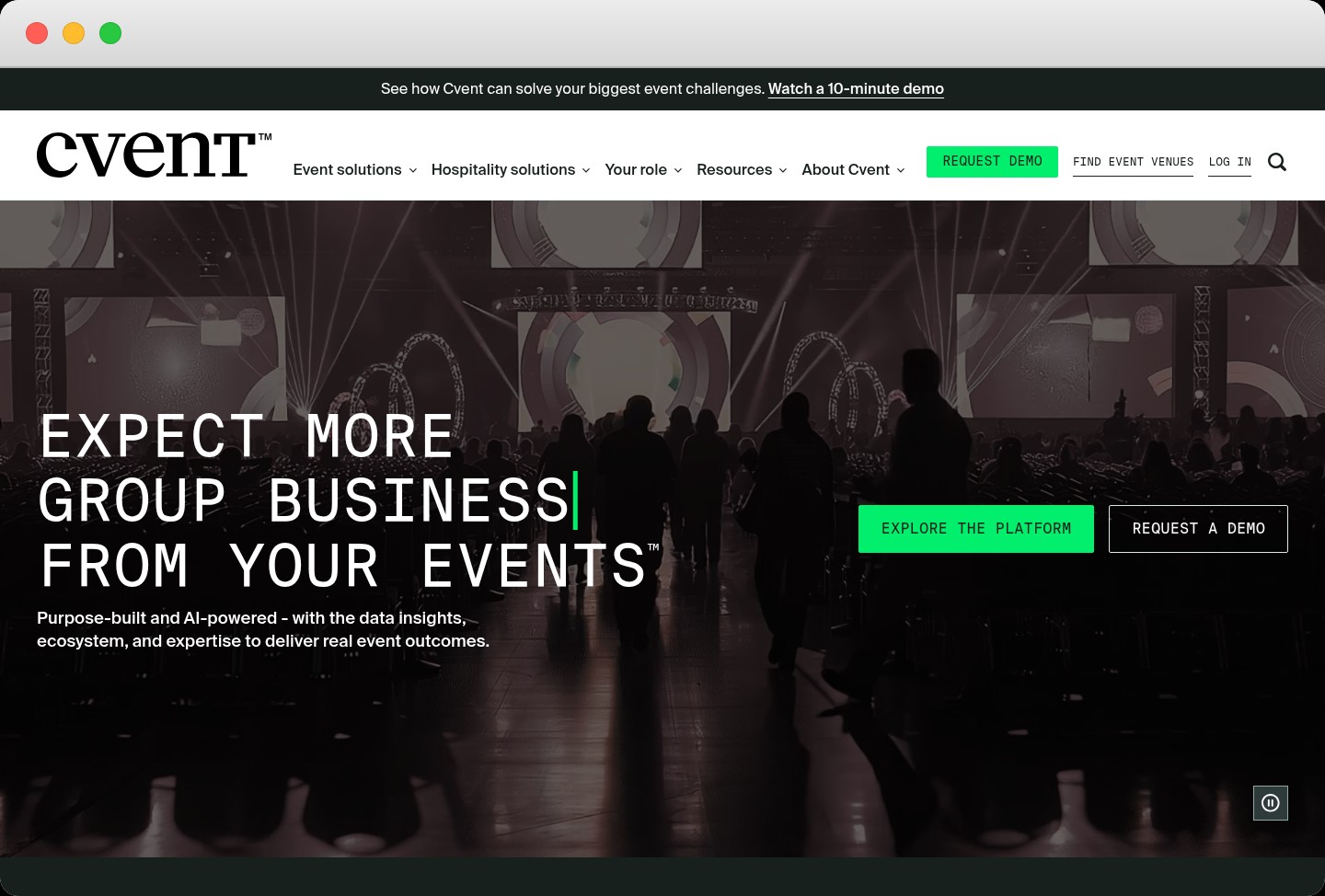
Cvent is the event management platform large companies standardize on when events run across teams, regions and venues. It handles registration, attendee apps, check-in and venue sourcing, and since 2024 it also owns Splash, number four on this page 1. Buyers are usually central event teams with a governance problem as much as an events one.
Its Salesforce app links each event to a campaign and moves each attendee’s campaign member status as their status changes 3. The catch is the setup. Only mapped statuses create members, and new mappings apply from each attendee’s next change. Real-time sync covers the statuses you pick, while question answers and session activity wait for the scheduled sync 4.
On HubSpot, Cvent’s own app creates a marketing event per event and updates the contact’s status in it 5. Every plan is quoted, and reviewers name the add-on modules as the cost that climbs for smaller teams.
Pricing
- Event Management: priced on request, with no plan prices published.
- Webinar: priced on request, the other plan Cvent’s HubSpot app works with 5.
- Added modules: priced on request, the cost reviewers say grows for smaller teams.
Integrations
- Salesforce: a managed app with event-to-campaign links, status mappings, scheduled sync and a real-time push at chosen statuses 3 4.
- HubSpot: marketing events, contact fields and timeline activity 5.
- Volume: Cvent warns against real-time sync on busy events, because Salesforce accepts about 30 to 50 records a second 4.
Pros and cons
Cvent pays off when one team governs many events and someone owns the Salesforce configuration:
Pros
- Campaign membership with a status for every mapped attendee
- Real-time updates at the statuses that matter to sales
- One vendor for hosted events and field events, with Splash
Cons
- No published price on any plan
- Attendees with unmapped statuses never reach the campaign
- Session activity and question answers wait for the scheduled sync
What G2 reviewers say
The praise is for one system across many events, and the knock is what the modules add to the bill:
G2 rating: 4.3 of 5 from 2,460 reviews on 26 November 2026.
Having a single system that supports multiple use cases is a big benefit for us, and it integrates with our CRM as well.
Reviewer at a mid-market companyOct 2026 some advanced modules and add-on features can increase costs, which may be challenging for smaller event teams.
Trade show and events operations specialist, mid-market companySep 2026
Verdict: buy Cvent when you host enough events that governance is the problem, and you have a Salesforce admin. We would map every attendee status to a campaign member status before the first event goes live, because a status left unmapped keeps those people out of the campaign. Skip it if you run a handful of events a year, where you would pay for structure nobody uses.
RainFocus
Best for: one large flagship conference with hundreds of sessions, where sales wants to see engagement inside Salesforce.
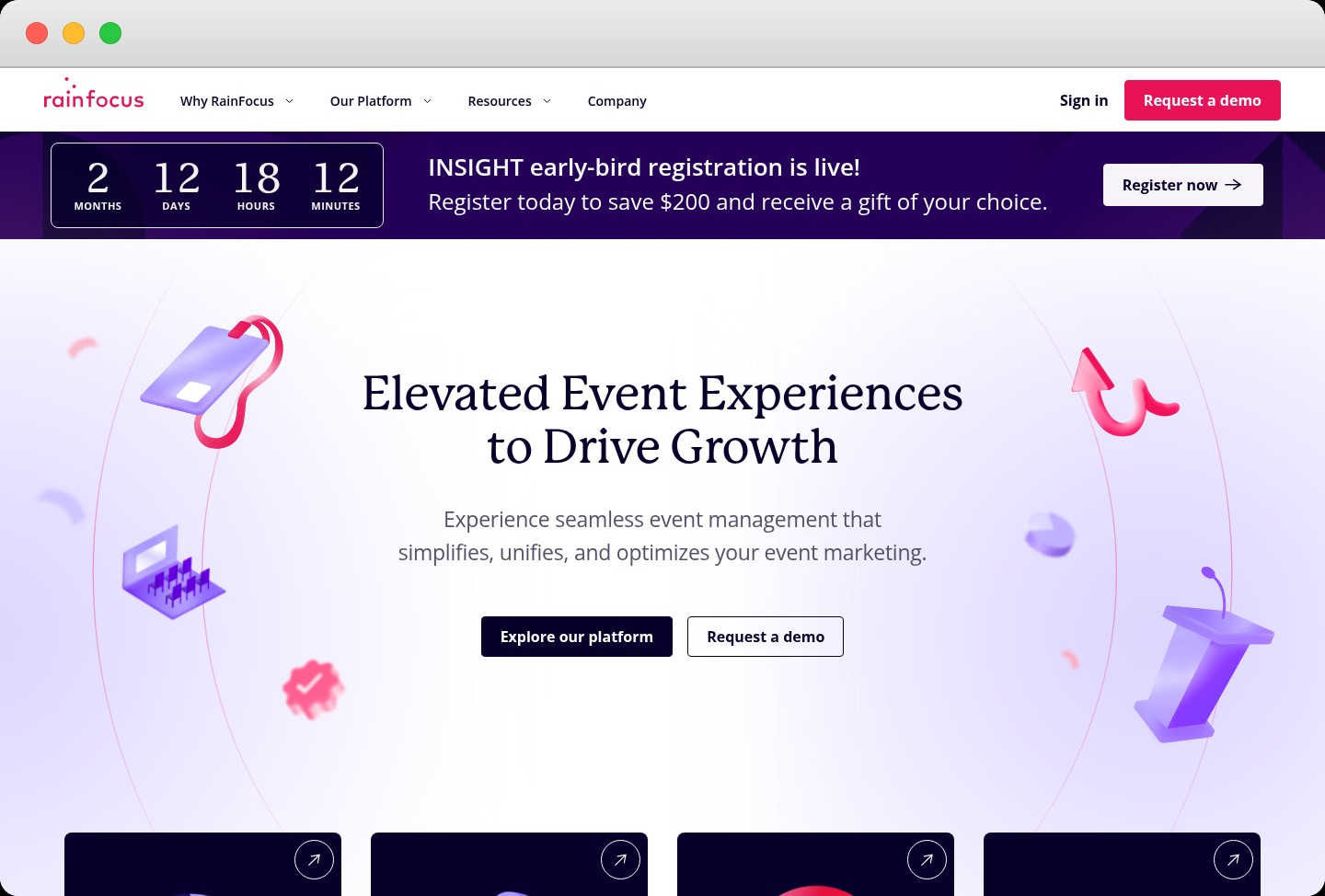
RainFocus runs the large conferences enterprise software companies host themselves, from registration and session catalogs to exhibitors and meetings. It is bought by event and marketing operations teams who need registrations, session attendance and meetings visible in Salesforce and their other marketing tools.
Its Salesforce app puts event engagement where reps work, and they can nominate people, send agendas and book meetings from Salesforce 6. It ships eight reports, including attendees who match no contact or lead 7. Those registrants have no record for a rep to open until someone matches them.
RainFocus publishes no price. Reviewers who like it still call it expensive, and one asks for custom work without the long lead times.
Pricing
- Platform: priced on request, no pricing page.
- Salesforce app: sold with the platform, scope agreed with RainFocus.
Integrations
- Salesforce: the RainFocus for Salesforce app, with engagement data, nominations, agendas and meeting booking inside Salesforce 6.
- Reports: eight out of the box, among them unmatched attendees 7.
- AI assistants: a verified Claude connector since November 2026 2.
Pros and cons
RainFocus suits a conference big enough that sales wants its own view of who engaged:
Pros
- Engagement and meeting booking inside Salesforce
- A report for attendees who match no CRM record
- Claude can read and update event data
Cons
- No published price
- Built for large conferences, heavy for small events
- Slow custom work, as reviewers describe it
What G2 reviewers say
Reviewers treat it as the source of truth for event data, and they say what it costs:
G2 rating: 4.6 of 5 from 58 reviews on 26 November 2026.
It has become the source of truth for event data and pushing engagement to our CRMs
Verified user in human resources, enterpriseJan 2026 Although it's on the expensive side, I believe it's worth the investment.
Amy B., enterpriseJan 2026 I would appreciate having more options for custom work that don't involve such lengthy lead times.
Verified user in computer software, enterpriseDec 2025
Verdict: RainFocus is the pick for one flagship conference with a session catalog and a sales team on Salesforce. We would have someone work the unmatched-attendees report every day of registration, since each name on it has no CRM record behind it yet. Skip it for regional events and roadshows, where its depth costs more than it returns.
Bizzabo
Bizzabo
Best for: a mid-market team running a year of owned conferences, webinars and field events on one subscription.
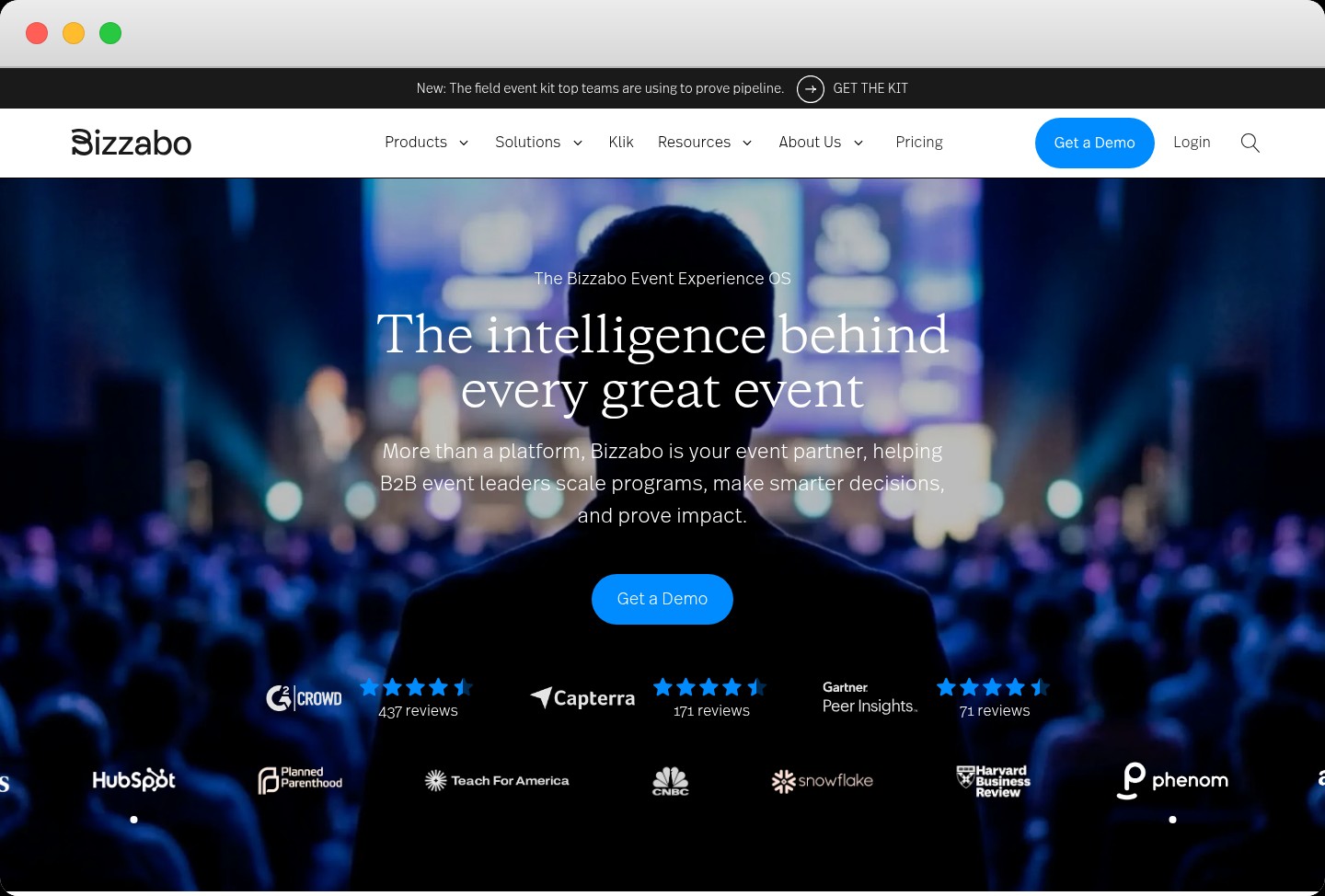
Bizzabo is an event management platform for B2B teams that host conferences, webinars and field events through the year. It covers registration, the event website, the attendee app, check-in and sponsor lead retrieval, including Klik smart badges. It sells only by annual subscription and does not sell a single event 8.
On HubSpot, Bizzabo’s integration sends registrations, attendee details and engagement to contacts, companies, contact properties and the timeline, as its marketplace listing describes it 9. The listing names no marketing event object, so ask whether your events arrive as one. Salesforce is supported, and its setup guide sits behind a customer login, so ask for it during the sale.
The bigger catch is the price sheet. The platform starts at $17,999 a year for three users, and the martech and CRM integrations sit under premium add-ons on the same page 8.
Pricing
- Event platform: $499 per user per month billed annually, three-user minimum, from $17,999 a year 8.
- Martech and CRM integrations: a premium add-on, priced on request 8.
- Klik SmartBadge: quoted per event or for several events 8.
Integrations
- HubSpot: contacts, companies, contact and registration properties, timeline activity 9.
- Salesforce, Marketo, Pardot, Eloqua: listed as direct integrations, documentation behind a login.
- API: open API access is a premium add-on 8.
Pros and cons
Bizzabo makes sense when one team hosts all year and the CRM add-on is priced in from the start:
Pros
- Unlimited events and registrations on one subscription
- Sponsor lead retrieval and smart badges in the same platform
- Attendee engagement written to HubSpot’s timeline
Cons
- CRM integrations sold as an add-on
- No HubSpot marketing event in its listing
- Salesforce setup guide not public
What G2 reviewers say
Reviewers value having one platform, and the knocks are about setup:
G2 rating: 4.3 of 5 from 449 reviews on 26 November 2026.
It's convenient to have an all in one platform that allows us to build a website, register guests/attendees for both in person and virtual events, and host livestreams of our events.
Verified user in marketing and advertising, enterpriseSep 2023 They were able to help us integrate their solution with Hubspot, but it did take multiple attempts to get the functionality working eventually.
Ryan W., mid-market companyJun 2023 The setup is very repetitive, and I have to update information in multiple areas.
Christiane H., mid-market companyJan 2026
Verdict: buy Bizzabo when one team hosts conferences and webinars all year and wants them on one subscription. We would get the CRM add-on quoted in the same proposal as the seats, and ask for the Salesforce setup guide before signing, because neither is on the public pages. Skip it if you host two or three events a year, where the annual floor buys capacity you will not use.
Splash
Best for: field marketing teams running repeatable dinners, roadshows and meetups across regions.
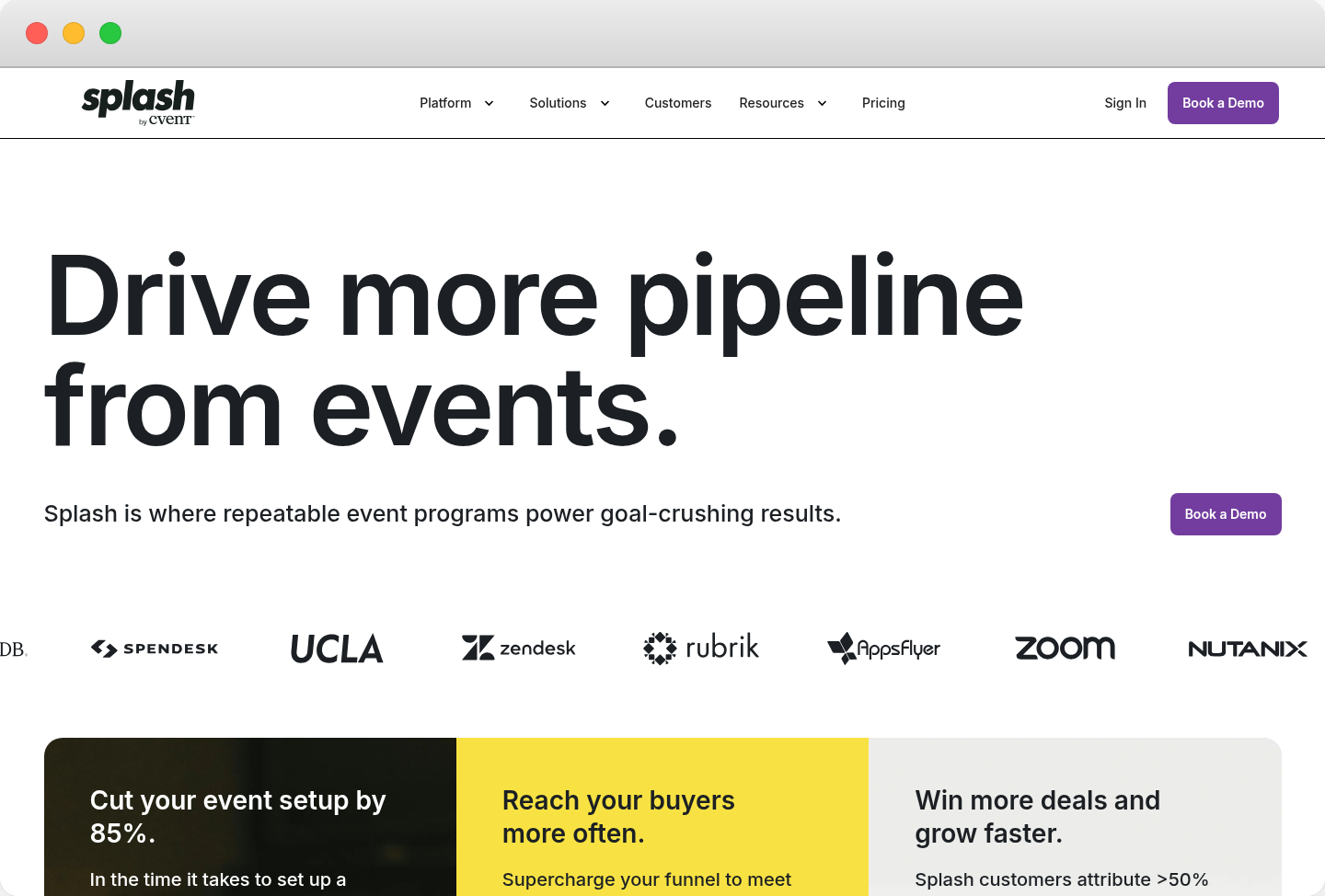
Splash builds branded event pages, registration and guest management for the small, frequent events field marketers run, and it has been part of Cvent since 2024 1. Every plan includes unlimited events and registrations, which suits a team that runs a dinner every week in a different city 10.
Its Salesforce integration goes deep for an event tool this light. Creating an event creates a campaign, members added in either system appear in the other, and the campaign member status moves from invited to attending to checked in 11. Custom registration questions map to campaign members, and updates travel in one batch every five minutes.
On HubSpot the sync runs one way, creating and updating contacts in real time and adding event activity to the timeline 12. Splash’s own FAQ admits one gap. When Salesforce rate-limits an update going back to Splash, nothing retries it 11.
Pricing
- Pro: priced on request, for growth teams and frequent event programs 10.
- Enterprise: priced on request, adding event requests and approvals for large teams 10.
- Integrations: CRM and marketing automation included on both plans, at no extra cost 10 11.
Integrations
- Salesforce: a campaign per event, two-way membership, statuses from invited to checked in, custom questions on campaign members 11.
- HubSpot: one-way, contacts and timeline in real time, segments from guest status 12.
- Other tools: marketing automation, webinar tools and Zapier, on both plans 10.
Pros and cons
Splash is strongest where the same small event repeats and Salesforce campaigns track every one:
Pros
- A Salesforce campaign created for every event
- Guest updates sent to Salesforce in five-minute batches
- CRM integrations included in the plan
Cons
- No published price
- HubSpot sync runs one way only
- No retry when Salesforce rate-limits an update back to Splash
What G2 reviewers say
Reviewers credit it for fast event data, and one enterprise reviewer hit trouble with the Salesforce side:
G2 rating: 4.4 of 5 from 377 reviews on 26 November 2026.
The platform’s integrations with CRM and marketing tools allow me to sync event data instantly, helping our team prove ROI and continuously improve future events.
Verified user in IT services, small businessAug 2025 Lots of issues with French language and integration with salesforce
Verified user in financial services, enterpriseJul 2026
Verdict: Splash is the field team’s pick when the same dinner or roadshow runs in many cities and Salesforce is the CRM. Check-in status reaching the campaign within minutes lets a rep follow up the next morning. Skip it for a large conference with sessions and exhibitors, and test the Salesforce side in your own language before a non-English rollout.
Mobly
Mobly
Best for: teams that exhibit at many third-party shows a year and want one capture app for all of them.
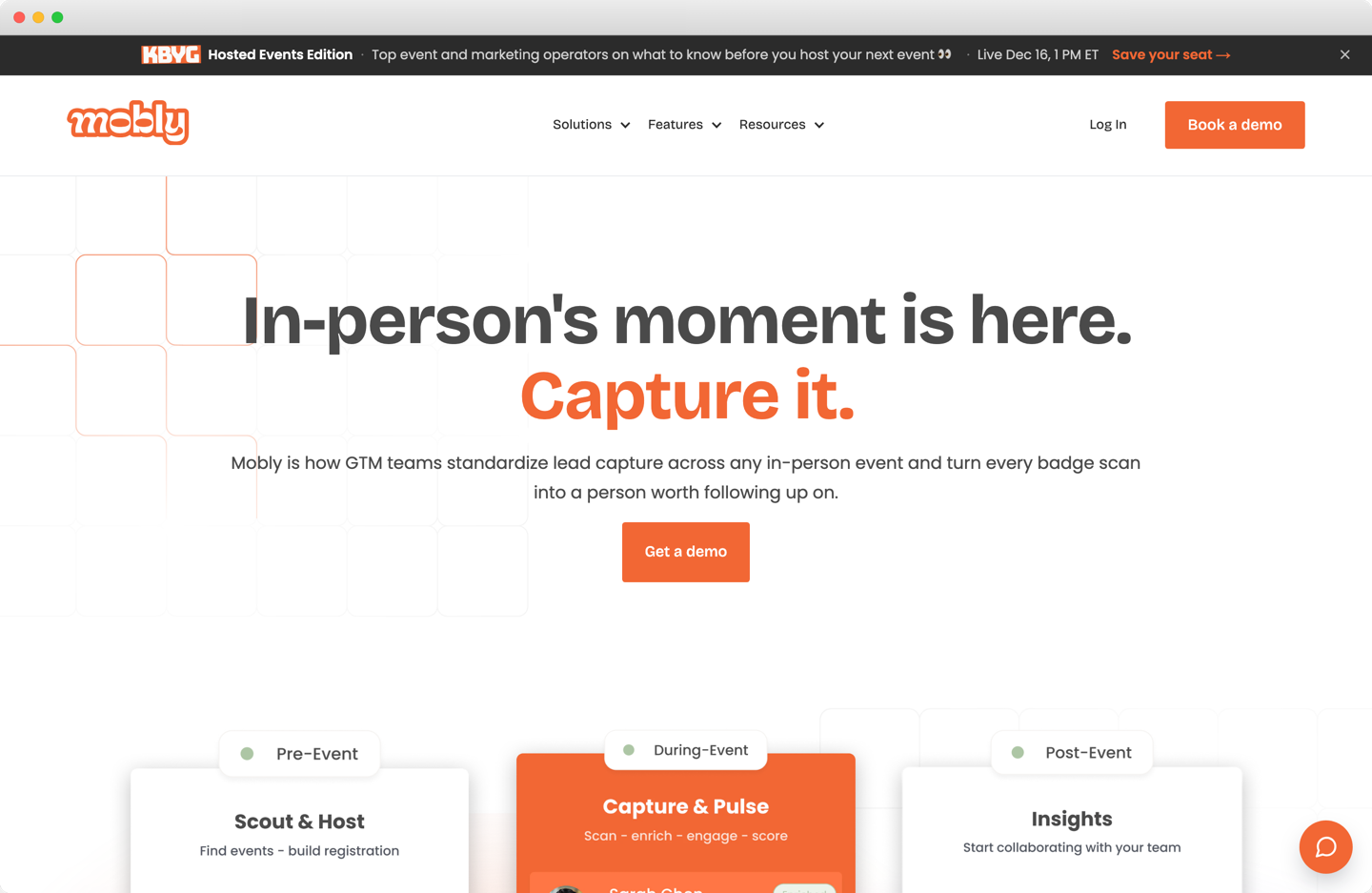
Mobly is a lead capture app for teams that work trade shows they do not run. A rep photographs a badge, a business card or a handwritten note, the app reads the name and company, and enrichment fills in the rest, typically in under a minute 13. It now sells registration for events you host too, so a team that runs small events of its own can register guests in the same product.
In Salesforce, Mobly adds each lead to the event’s campaign with a status set from the rep’s qualifiers. HubSpot gets the same through marketing events, which need Marketing Hub 14. Notes, voice memos and tags travel with the lead, and scans taken with no signal wait on the phone until it reconnects 13.
Where Mobly falls short is the step between the app and the CRM. Reviewers describe enrichment that sometimes fails, leaving fewer leads in Salesforce than in Mobly, and duplicates to plan around. Pipedrive and Zoho users also get no campaign sync 14.
Pricing
- Core packages: priced on request, for the whole event calendar rather than per show 13.
- Included in every core package: unlimited badge scans, enrichment and users 13.
Integrations
- Salesforce: leads, contacts or company records by one of three sync strategies, campaign members with status, tasks for rep activity 14.
- HubSpot: contacts and companies, engagements, marketing events with status (Marketing Hub required) 14.
- Pipedrive and Zoho: lead sync without a campaign object 14.
Pros and cons
Mobly earns its subscription when the same team works many shows and wants one routine at each:
Pros
- One app at every show, with no organizer rental
- Campaign status set from what the rep recorded
- Offline capture whose retries cannot create a duplicate
Cons
- No published price
- Failed enrichment can leave leads out of Salesforce, as one reviewer describes it
- No campaign sync for Pipedrive or Zoho
What G2 reviewers say
Reviewers praise the HubSpot handoff and report the gap between the app and Salesforce:
G2 rating: 4.8 of 5 from 108 reviews on 26 November 2026.
It wouldn't be nearly as valuable if they didn't also provide lead enrichment and tie directly into Hubspot so those leads can be nurtured immediately.
Matt F., co-founder, small businessApr 2026 Sometimes the enrichment doesn't work, and then we have about fifty leads on Mobly, but only forty in Salesforce.
Abby O., event marketing specialist, enterpriseApr 2026 if you want a direct integration into Salesforce, you'll have to take dupes into account when you're setting things up.
Amanda F., head of marketing operations, enterpriseOct 2025
Verdict: buy Mobly if your team exhibits at many shows a year and works in Salesforce or HubSpot Marketing Hub. We would set the duplicate rules before the first show and compare the count in Mobly with the count in the CRM after each one. Skip it if you exhibit once or twice a year, because Mobly sells for the whole calendar and the organizer’s scanner covers a single show.
Captello
Best for: exhibitor programs that need the organizer’s badge data, enrichment and booked meetings, or a few shows a year.
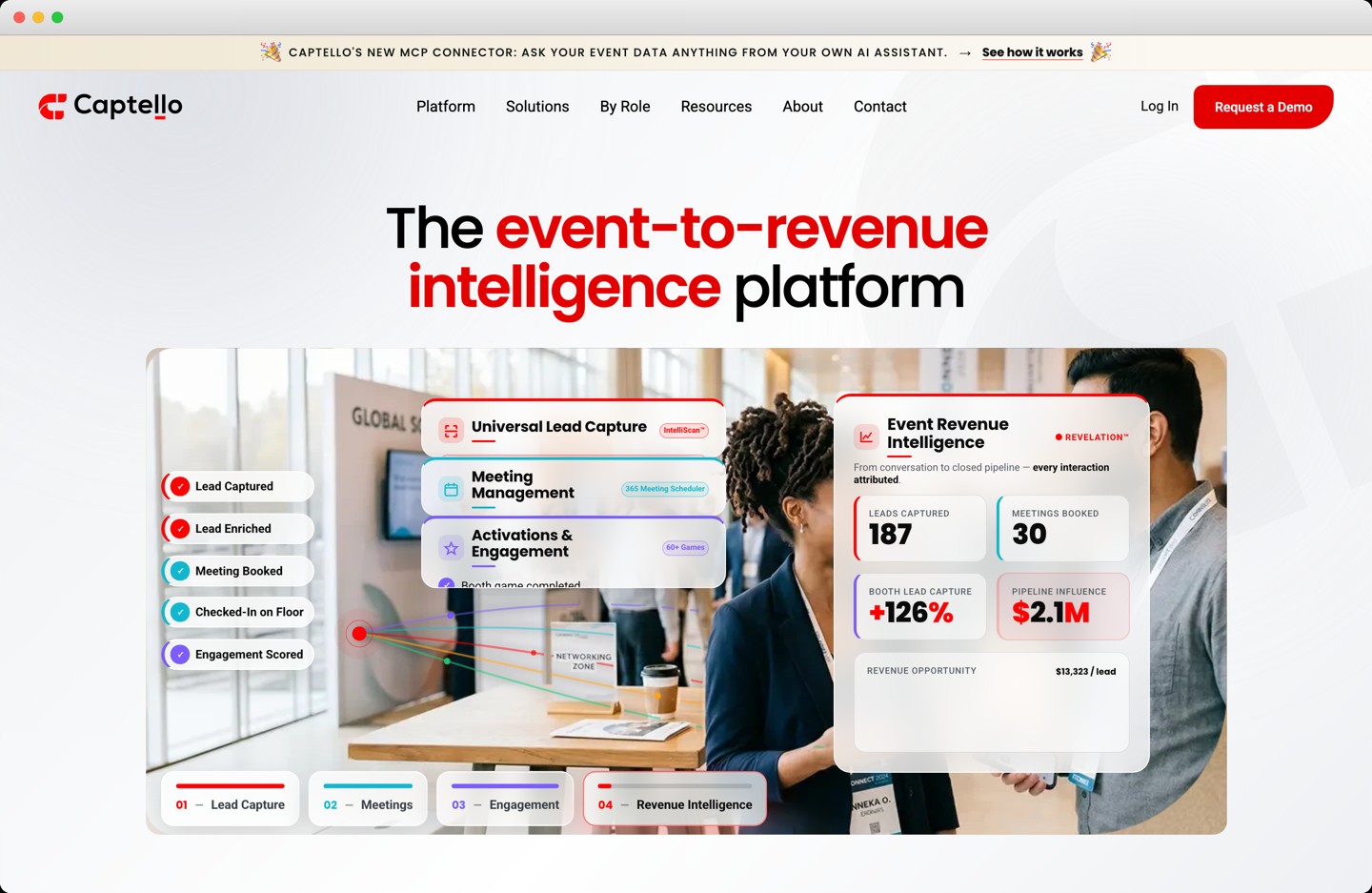
Captello is a lead capture platform for exhibitors, from a single trade show to an enterprise program across dozens. Captello says it reads event badge codes through more than 300 registration providers, and it enriches each scan and adds booth meetings, games and revenue reporting 15. It is the one entry here that sells a license for a single event, from $500 16.
Its Salesforce connector creates or updates a lead or contact when the capture form is submitted, checks for duplicates and adds the record to a campaign or updates its status 17. It can also write the rep’s event notes into a Salesforce note on the record. That is the conversation sales needs, arriving with the contact.
A team that buys licenses show by show has to pick which shows get Captello, and one reviewer describes mixing capture methods across the rest as a result. The breadth of the platform also means more to set up than a capture app alone.
Pricing
- Premium Lead Capture: from $500 for one event 16.
- Programs across many shows: priced on request.
Integrations
- Salesforce: lead or contact with duplicate checking, a note from the event notes field, campaign membership with status 17.
- HubSpot, Marketo, Dynamics: native connections, as Captello and its reviewers describe them 15.
- Registration systems: more than 300, for reading official badge codes 15.
Pros and cons
Captello fits an exhibitor program that wants the organizer’s badge data and the booth conversation in one record:
Pros
- A one-event license from $500 for a small program
- The rep’s notes written to a Salesforce note
- Official badge data through registration integrations
Cons
- Licenses bought for some shows leave the rest on other capture methods
- More platform to configure than a capture app
- Larger programs priced on request
What G2 reviewers say
Reviewers praise the speed into their CRM and marketing tools, and one names the cost of buying show by show:
G2 rating: 4.8 of 5 from 181 reviews on 26 November 2026.
The automated Salesforce integration is especially valuable for qualifying leads and fast lead follow up.
Dean D., vice president of marketingJul 2026 Leads captured at events flow directly into our system in real time
Verified user in computer softwareJun 2026 We have to pick which shows we'll use our licenses for, so we still end up having to use different types of lead capture.
Verified user in public safetyJun 2026
Verdict: Captello is the pick for an exhibitor program that wants official badge data, enrichment and booth meetings, or a team that works a few shows a year and wants to pay per show. We would count the shows you work before choosing per-event licenses, since every show left out needs another way to capture leads. Skip it if you want one simple app on every phone at every show.
Which Platform Fits the Event You Run
Start with who owns the registration. If you host, you buy the registration platform and judge its sync to campaigns. If you exhibit, the organizer owns registration, so you buy capture and judge what the rep’s notes look like in the CRM. Then pick by the size of your program:
- Cvent: many hosted events across a large company, with a Salesforce admin.
- RainFocus: one flagship conference with sessions and exhibitors.
- Bizzabo: a year of owned conferences and webinars, with the CRM add-on budgeted.
- Splash: frequent dinners and roadshows run by field marketing.
- Mobly: many trade shows a year, worked by the same team.
- Captello: official badge data and booth meetings, or a few shows paid one at a time.
A team that hosts and exhibits will often need one of each, and both should write to the same campaign structure in the CRM. None of the six decides what your CRM counts as a lead, and that is the decision that makes their data usable.
How to Test an Event Platform’s CRM Sync Before You Buy
In the CRM Empact Partners runs for itself, a company earns a record only by replying, booking a call or accepting something. Scanning a badge records who stopped by. What the rep wrote down beside it, the timing the buyer gave and who else signs off, tells sales whether that person wants to talk and which scans to follow up first.
Sales decides which event contacts to call from what the rep wrote down, so those notes have to reach the CRM.
A platform has to carry that difference into the CRM, which is why the verdicts above lean on campaign status and notes more than on capture speed. Hosting and exhibiting send that data down different paths, from different tools, and both have to end in the same place:
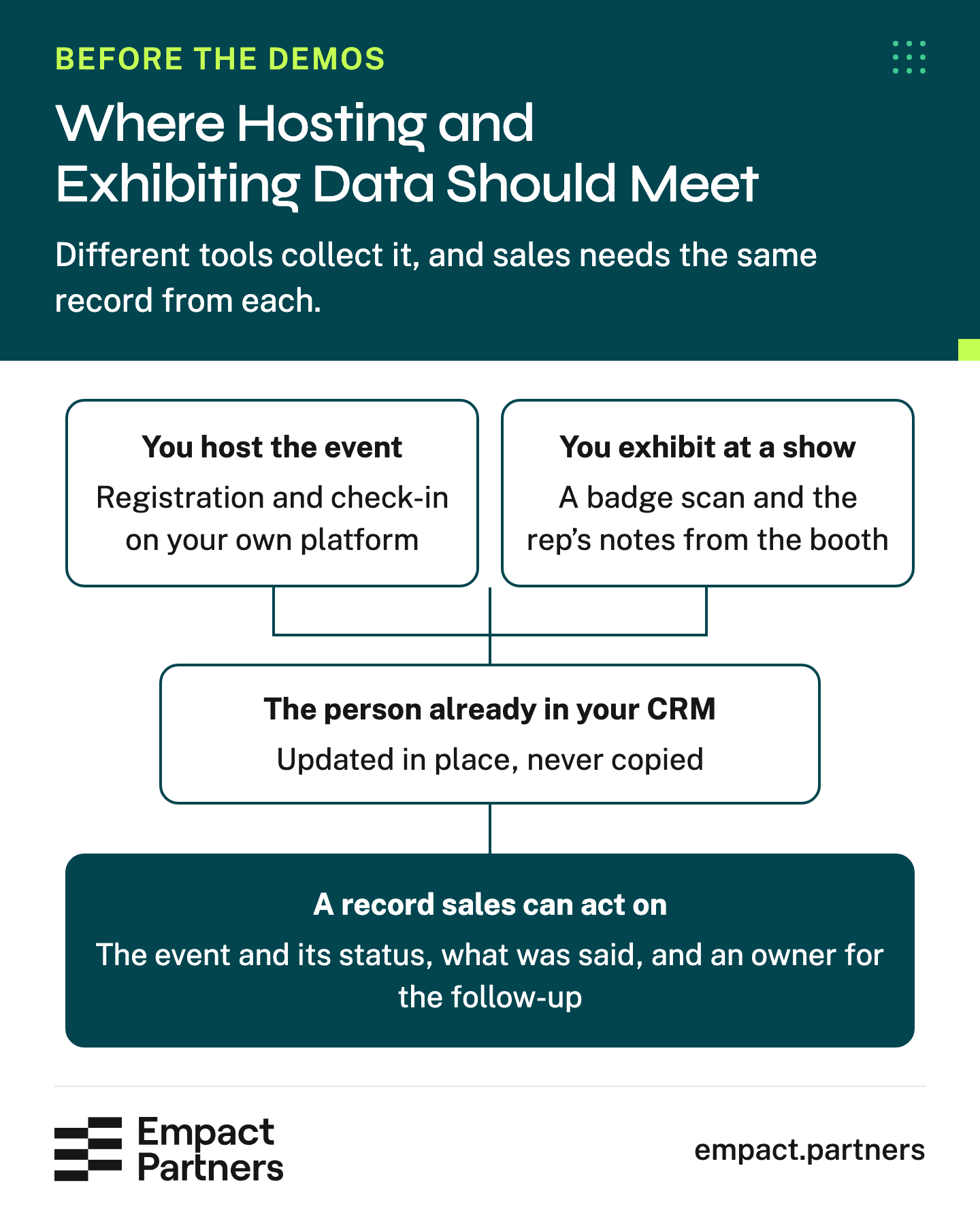
So the test for any platform is whether it updates the person you already have and keeps the event, the conversation and the follow-up owner on that record. Ask each vendor to run it in the demo, with a test person who already exists in your CRM:
Create the test person first.
Add a contact you control to the CRM with an owner, so you can check the match later.
Register or scan them.
Use the platform the way your team will, a registration form if you host, a badge scan if you exhibit.
Check for a second record.
The platform should update the contact you created, not add a new one beside it.
Find the event on the record.
In Salesforce, look for campaign membership with a status. In HubSpot, look for the marketing event, or the properties the platform uses instead.
Change the status and time it.
Check the person in or add a qualifier, and note how long the CRM takes to show it.
Read the record where sales reads it.
The rep’s notes should be readable on the record, and qualifiers should sit in fields a report can filter.
Exhibitors and the buyers they meet say on Reddit what a record needs before the rep walks away:
Tips from Reddit
What exhibitors say to capture before the rep walks away
force three fields before the rep walks away: who owns follow-up on our side, how they want to be contacted, and one timing line.
All 1s must receive a follow up email/call within a week, 2s within a month, 3s when you're bored, etc.
When I go to a trade show there are a few products in my head where I actively look for suppliers so if somebody gives you a straight answer like that write it down
Each of those fields only helps if the platform you buy has somewhere to put it in the CRM. Sinead Hovelmeier, who works on Reddit marketing at Empact Partners, puts the gap this way:
In the threads where exhibitors compare notes after a show, the trouble they describe sits in the days between the booth and a record sales can use. The software decides part of it, by whether the rep’s notes and qualifiers have a field to land in.
 Sinead Hovelmeier on LinkedInOpens in a new tab
For teams that want help with this, Empact Partners would begin with an audit of your stack and of how data moves from your event tools into your CRM. A mapping nobody wrote down is where event records go missing. Then we do the work:
- The event tools connected to your CRM, so marketing, sales and product pull from the same records
- Cleanup and enrichment of the contacts earlier events left behind
- Event contacts kept out of pipeline counts until their company engages
- Alerts and reports that tell sales which event contacts and deals to act on
- A senior GTM consultant who owns the work by name and joins your calls
Cleanup starts with what last season’s event imports left in your CRM. Our free CRM Health Report ranks the duplicates and missing fields in one spreadsheet export from your CRM. For RevOps partners, the agent behind it rechecks new exports while the work runs, and the free version shows you the ranking once:
Once the records are clean and the sync is right, the next question is whether events show up in the numbers leadership reads every week. Teddy Cipolla’s playbook walks through that weekly view:
Whichever platform you choose, compare the count of people captured at each event with the count of CRM records carrying that event a week later, as campaign members in Salesforce, or in HubSpot on the marketing event or the event properties the platform writes. Investigate any gap that duplicates and held-back scans do not explain before you add another event.
Frequently Asked Questions
What is the difference between event management software and lead capture software?
Event management software runs the events you host. It takes registrations, builds the event page, checks people in and keeps the attendee data. Lead capture software records the people you meet at events someone else runs, from a badge, a card or a note, along with what they told you.
Cvent, RainFocus, Bizzabo and Splash are the first kind. Mobly and Captello are the second, and Bizzabo also sells lead retrieval to the sponsors at your own events.
Do we need both kinds of software if we host and exhibit?
Usually yes, because the organizer of a show you exhibit at owns its registration data, and your hosting platform cannot read it. Make both write to the same campaign structure in your CRM. If both also match the person you already have, a buyer who came to your dinner and stopped at your booth shows up once, with both events on the record. Your reports can then compare the two kinds of event fairly.
Can a lead capture app read any trade show badge?
Not always. Many show badges carry a code that only the organizer’s rental scanner, or an app connected to the show’s registration system, can decode. Mobly reads the printed name and company instead and enriches the rest, which works at any show but skips what the attendee typed at registration.
Captello connects to more than 300 registration providers. Ask each vendor about the specific shows on your calendar before you sign.
What should an event platform write to Salesforce?
Three things. A campaign for the event, the person as a campaign member whose status moves from registered or scanned to attended or qualified, and the rep’s notes in fields a report can use. A tool that only stamps a lead source on the contact leaves sales unable to tell who came and what they said. Check in the demo whether it overwrites that source when the person attends another event.
What should an event platform write to HubSpot?
Ideally a marketing event with the contact’s status in it. Cvent’s app writes one, and so does Mobly when you have HubSpot Marketing Hub. Splash and Bizzabo write contact properties and timeline activity instead. That works for segments and workflows, so check in the demo how a second event shows up on the same contact and in your reports.
How fast should event data reach the CRM?
Within the day, so follow-up goes out while the conversation is fresh. Splash batches updates every five minutes, Mobly syncs as soon as the phone has a signal and Cvent can push chosen statuses in real time. A process that waits for an export and an import can hold follow-up for days, so time it in the demo, from the scan or check-in to the record changing in your CRM.
Should every badge scan count as a lead?
Not on its own. A scan shows that someone stopped at your booth, and a lead is a company that wants a conversation.
Keep scans out of your lead count, either outside the CRM or in a stage before Lead with the event attached, and count the company once someone there replies or asks for a meeting. Counting every scan inflates the lead total and drags down every conversion rate built on it, so a show that went well can look like a bad month for sales.
How much do these platforms cost?
Only two publish a price. Bizzabo starts at $17,999 a year for three users, with CRM integrations as an add-on, and Captello sells one event from $500. Cvent, RainFocus, Splash and Mobly price on request. Mobly prices for your whole event calendar with unlimited scans and users, so its cost does not rise with a busy booth. Ask every vendor whether the CRM integration is in the quote.
What happens to leads captured offline?
Mobly and Captello both keep scans on the phone when the hall has no signal and sync them when it reconnects. Mobly says a retried sync cannot create a duplicate and that enrichment waits for the connection, so an offline lead starts with only what was on the badge.
Is Splash part of Cvent now?
Yes. Cvent announced its acquisition of Splash in September 2024, and Splash’s site and its G2 listing now show Cvent as the seller. Splash still sells its own plans for field and repeatable events, while Cvent sells its event management platform for large event portfolios. A team on both should check that each writes to the same campaigns in its CRM.
Who should own the sync between event tools and the CRM?
Whoever owns the CRM’s fields and campaign rules, often RevOps or marketing operations, with the event team owning what gets captured. The settings that decide what arrives live in the integration, such as Cvent’s status mappings or Splash’s field mappings. When the event team changes a form and nobody updates the mapping, answers stop arriving and nobody notices until the report.
Sources (17)
- Cvent, "Expands its Field Marketing Product Suite with Strategic Acquisition of Splash" (2024)↩1↩2↩3
- RainFocus, "Ways Everyone on Your Event Team Can Benefit from Claude Regardless of Role" (2026)↩1↩2
- Cvent Developer Documentation, "Cvent Salesforce App: Link an Event to a Campaign" (2026)↩1↩2
- Cvent Developer Documentation, "Cvent Salesforce App: Set Up Real-Time Attendee Sync" (2026)↩1↩2↩3
- HubSpot App Marketplace, "Cvent" (2026)↩1↩2↩3current listing read 26 November 2026.
- RainFocus, "for Salesforce App" (2026)↩1↩2current page read 26 November 2026.
- RainFocus, "Conversations: Marius Milcher on Powerful New Salesforce Integration" (2024)↩1↩2
- Bizzabo, "Pricing" (2026)↩1↩2↩3↩4↩5↩6
- HubSpot App Marketplace, "Bizzabo" (2026)↩1↩2current listing read 26 November 2026.
- Splash, "Pricing" (2026)↩1↩2↩3↩4↩5current page read 26 November 2026.
- Splash, "+ Salesforce" (2026)↩1↩2↩3↩4current page read 26 November 2026.
- Splash, "+ HubSpot" (2026)↩1↩2current page read 26 November 2026.
- Mobly, "Universal Event Lead Capture App" (2026)↩1↩2↩3↩4
- Mobly Docs, "Comparing the CRM Integrations" (2026)↩1↩2↩3↩4↩5
- Captello, "Event Lead Capture Software" (2026)↩1↩2↩3
- Captello, "vs Mobly" (2026)↩1↩2
- Lead Liaison, "Salesforce (Standard)" (2026)↩1↩2current page read 26 November 2026.
Keep reading
RevOps 5 Best CPQ Tools for SaaS Subscription and Usage Pricing
Five CPQ tools for SaaS teams, compared by the CRM each one needs and what happens when a usage deal changes mid-contract.

RevOps HubSpot vs Salesforce: Pick the CRM Your Team Can Keep Clean
Choose by who will run the CRM each week and what your deals need, then count what AI agent calls will cost on each.

RevOps What Your CRM Needs When Your SaaS Moves Upmarket
Bigger deals stall on people your CRM never recorded. Put every buying role on the deal, and flag one-person deals past discovery.